
Early starts and nights
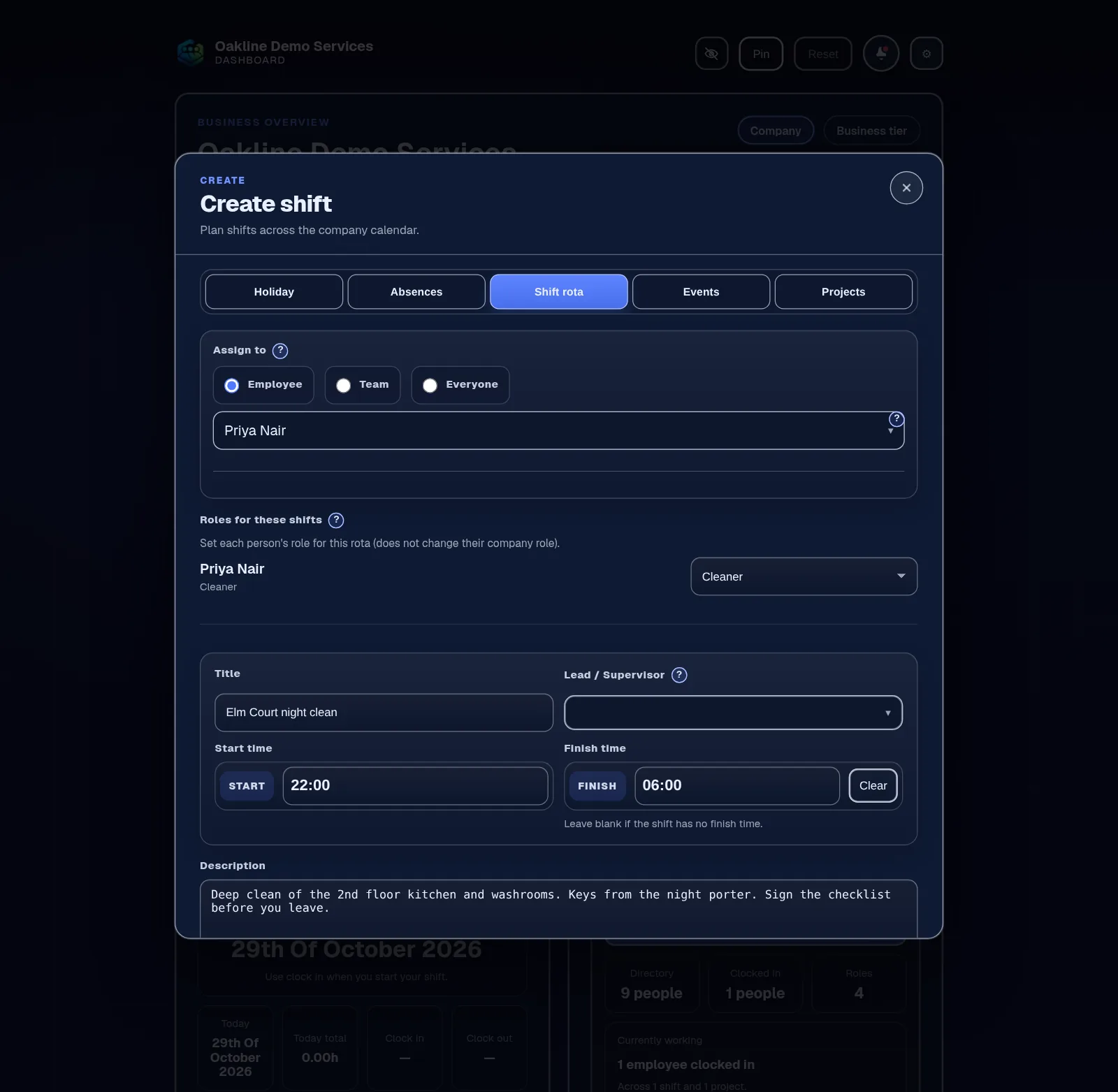
Shifts keep their real dates, so a 10pm to 6am night or a 5am clean lands on the right days. Split days are easy: add two shifts, and staff can clock in up to five times a day.
Staff rota & calendar · From Free
Plan shifts with real start and finish times, put holiday and project work on the same calendar, and let staff check where they're working from their phone.
The rota and calendar are on the Free plan, for up to 5 employees.
The problem
The rota goes out as a photo of a whiteboard or a long message on Sunday night. By Tuesday there have been three changes, each in a different reply, and someone turns up at the wrong site because they read the first version.
Meanwhile the holiday chart is somewhere else, so you only find out a shift clashes with someone's week off when they don't arrive.
How it works in Employr
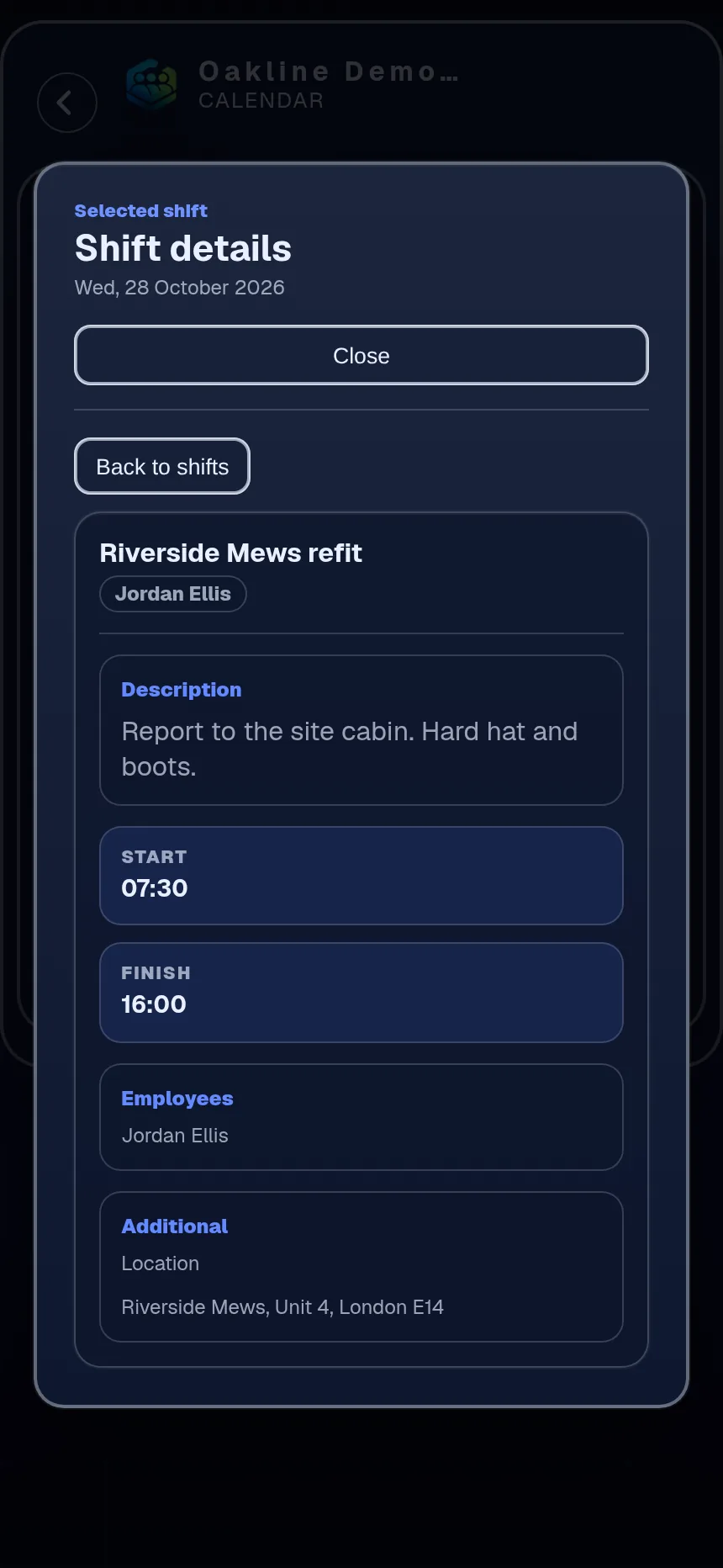
Add the date and the real start and finish times, including shifts that cross midnight. Give it a title and a short description with any instructions, and put the site in a Location field if you use one.
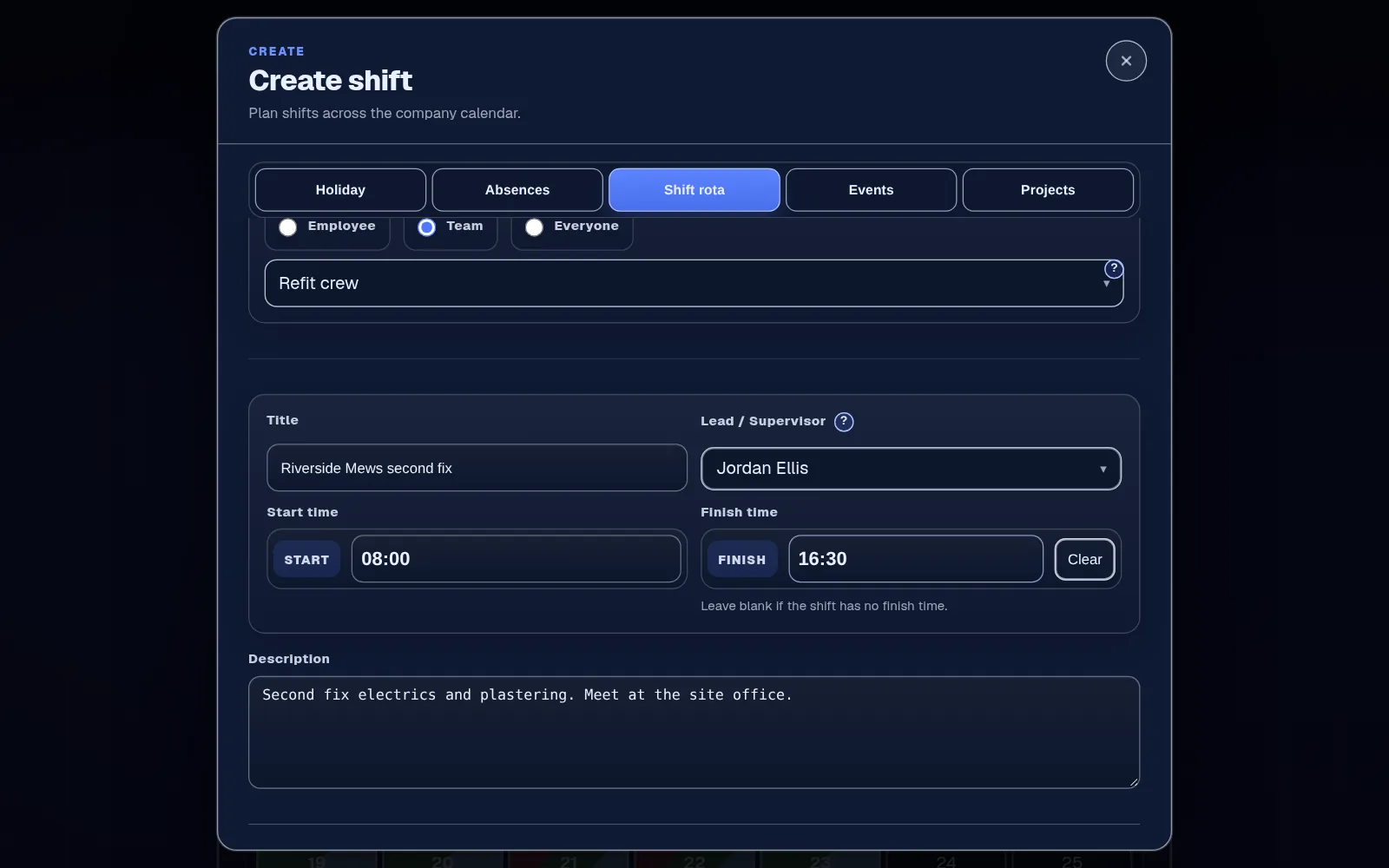
Put the shift on one employee or several. On Team and above, assign one or more teams for your regular crew and name the lead. For someone outside the team, add a separate shift for them.
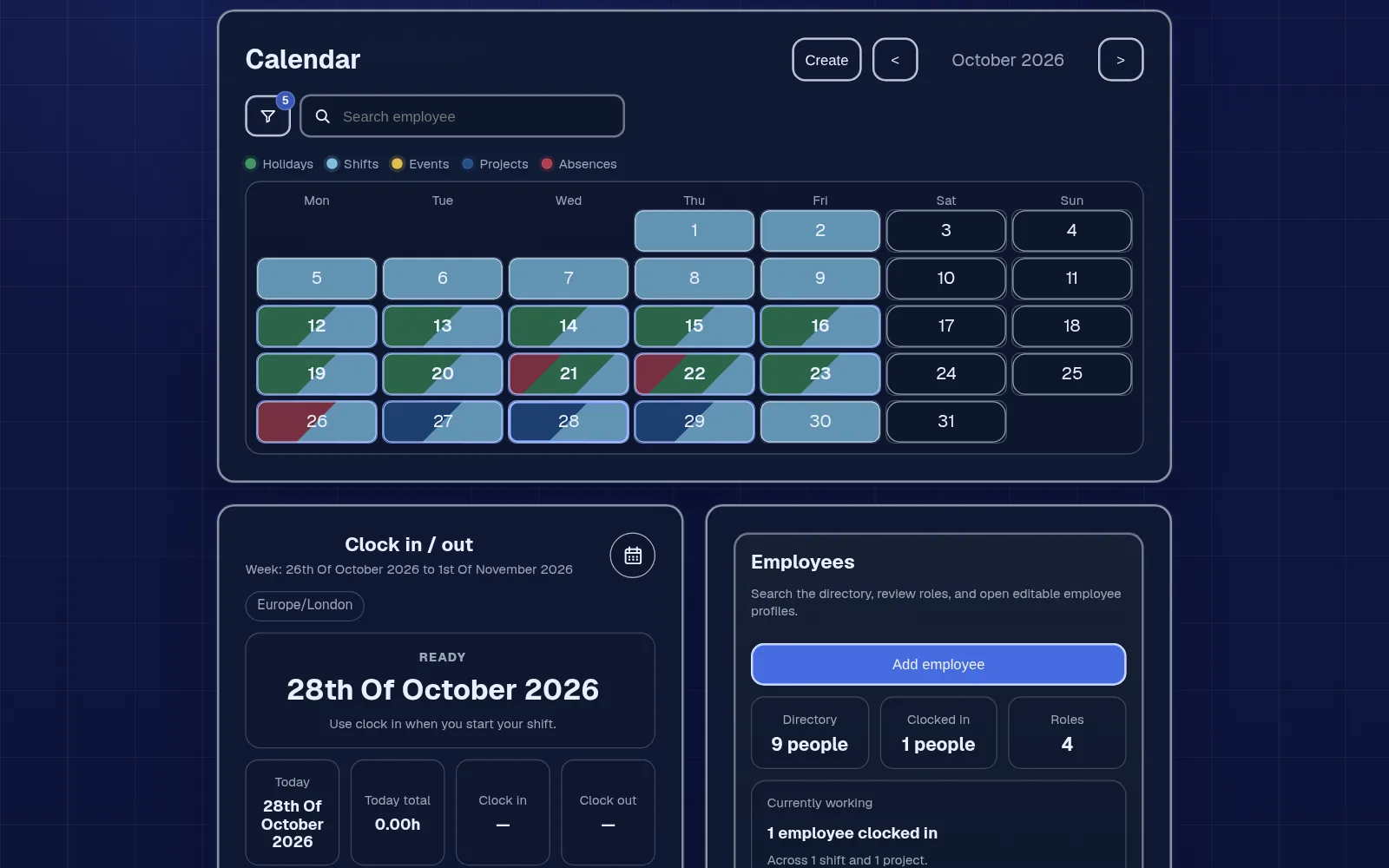
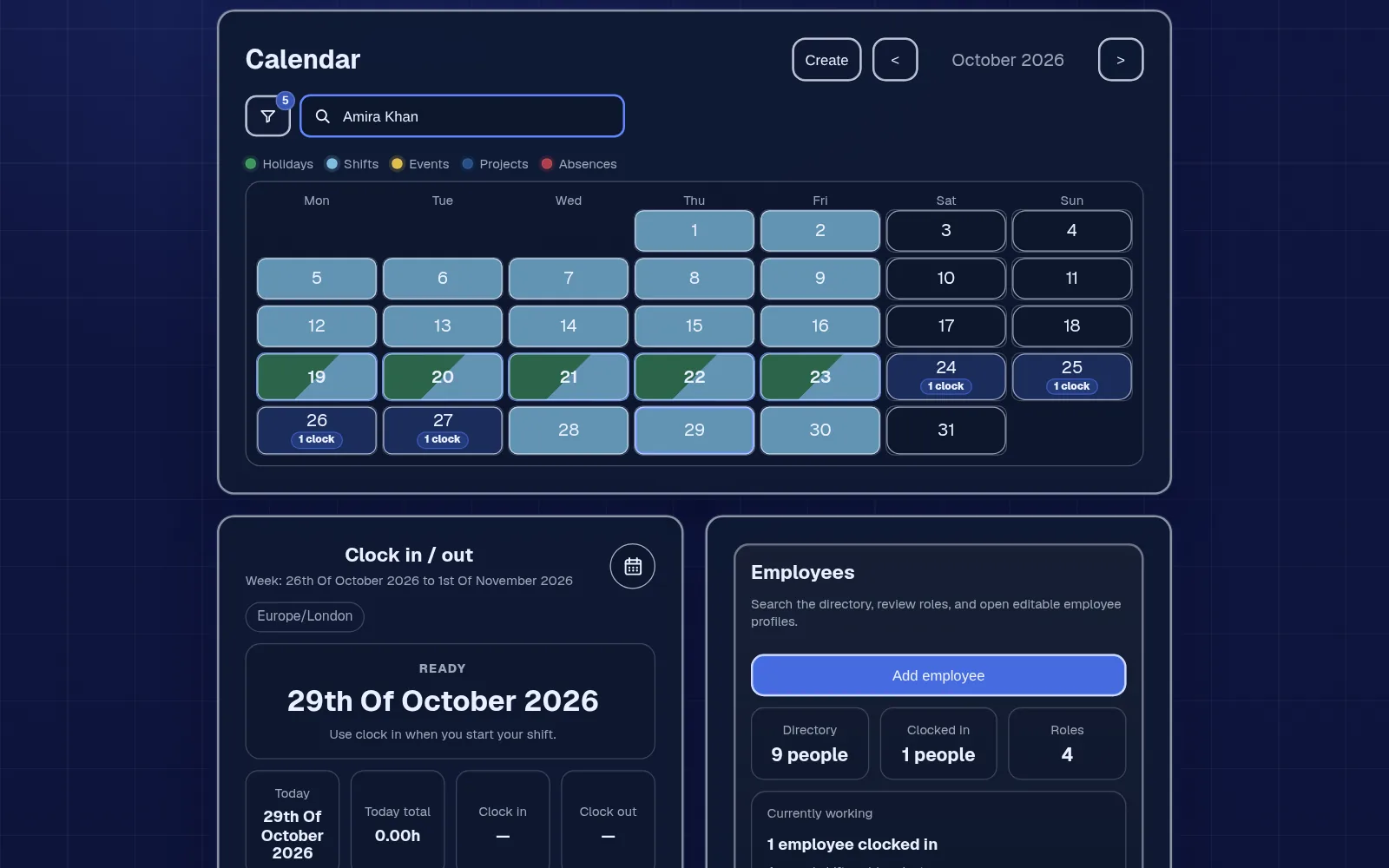
The shared calendar shows shifts beside approved holiday and project dates, and recorded absence for roles that manage it, so you can spot a clash before the week starts. Filter to one person to check their month at a glance.
Employees see their own shifts on the dashboard and calendar in their phone's browser, with the times, description and location. When plans change, you update the shift itself, so the calendar stays the one version everyone works from.
In detail
Shifts keep their real dates, so a 10pm to 6am night or a 5am clean lands on the right days. Split days are easy: add two shifts, and staff can clock in up to five times a day.
Shifts show what was planned. Clock entries record what happened. Shifts with no matching clock-in are flagged in reports, so you find gaps the same week.
On Team and above, project dates sit on the calendar alongside the rota, so you can see which jobs are running when you plan the week.
Employees see their own shifts. You decide in Settings which roles can see and manage the full rota, so it isn't edited by everyone.
Employr doesn't build the rota for you automatically, forecast labour costs or check your rota against working time rules. It isn't a GPS tracker and doesn't track where staff are during a shift. It needs an internet connection to save changes, and it doesn't run payroll.
Keep exploring
Questions
Yes. The rota, calendar and clocking in are all on the Free plan, and no card is needed to start.
Yes. Employr is a responsive web app, so staff check their shifts in their phone's browser. Native Android and iOS apps are in development.
Yes, on Team and above. Group your regular crew as a team, assign the team to the shift and name the lead. Team allows up to 5 teams.
Yes. Set the real start and finish times and the shift keeps the correct dates, even when it crosses midnight.
Yes, on Starter and above. Approved holiday appears on the same calendar as shifts, and roles that manage absence see recorded absence there too. A pending request isn't shown as confirmed leave.
Yes. Rota, roster and employee schedule all mean the same here: planning who works when and where.
The rota is free for up to 5 employees. Starter is £19 a month for up to 10 and adds holiday, and Team is £45 a month for up to 25 and adds teams and projects. Each plan is one price, not per person.
Try it with your team
Plan next week in Employr and share it with your team. No card needed.