
Directory and profile
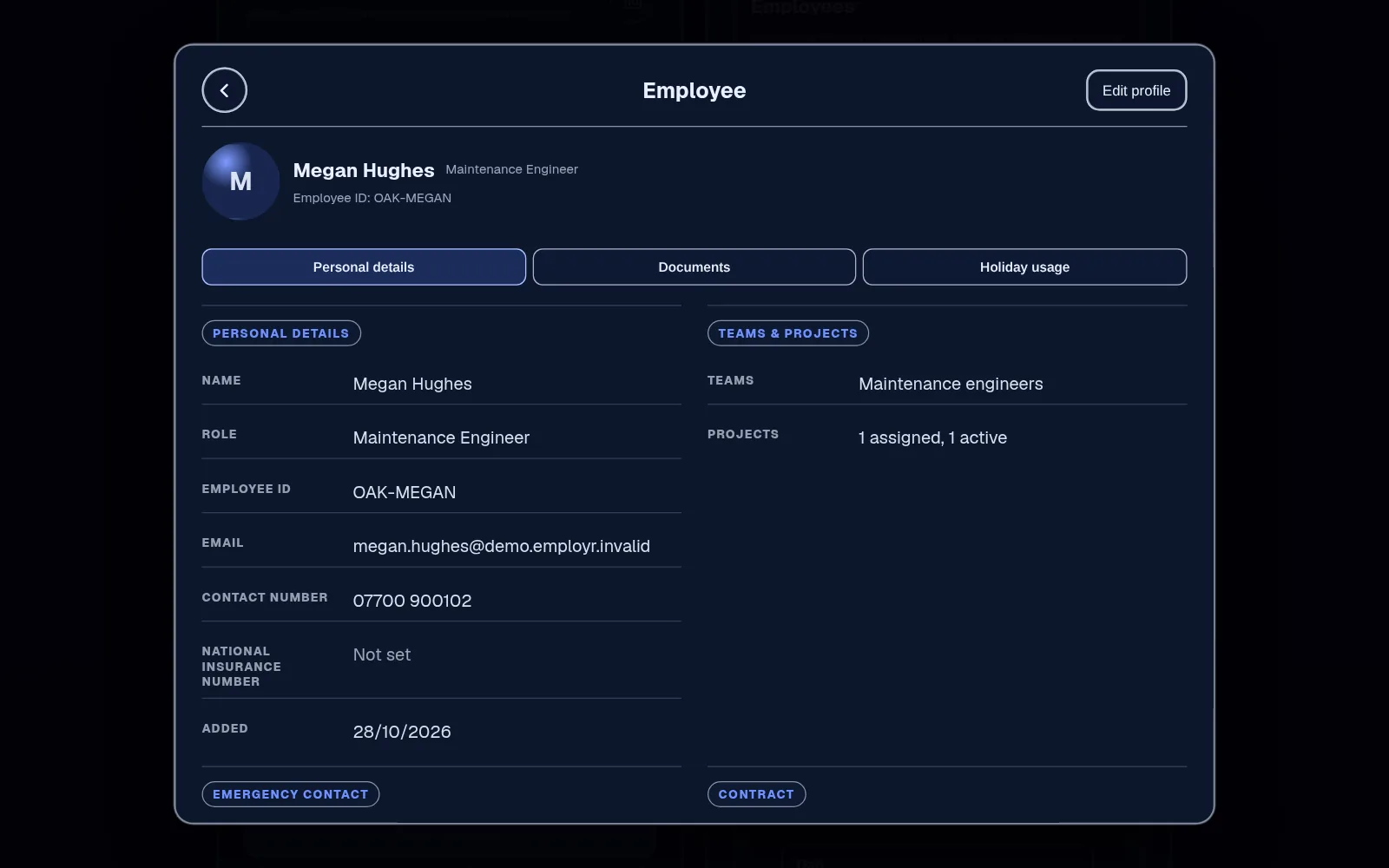
The directory lists your people. Authorised users can open a profile to see contact details, role, employee ID, qualifications, documents and holiday usage.
Employee records · From Free
Keep each person's contact details, role, employee ID, qualifications and documents in one profile, and use roles to decide who can see and change what.
Employee records and the rota are on the Free plan, for up to 5 employees and 3 roles. Document storage starts on Starter.
The problem
Phone numbers are in your contacts, the emergency contact is on a form in a drawer, and someone's CSCS card is a photo from their interview. When a site manager asks for proof, you're scrolling your camera roll.
And the spreadsheet with everything in it is shared with more people than it should be.
How it works in Employr
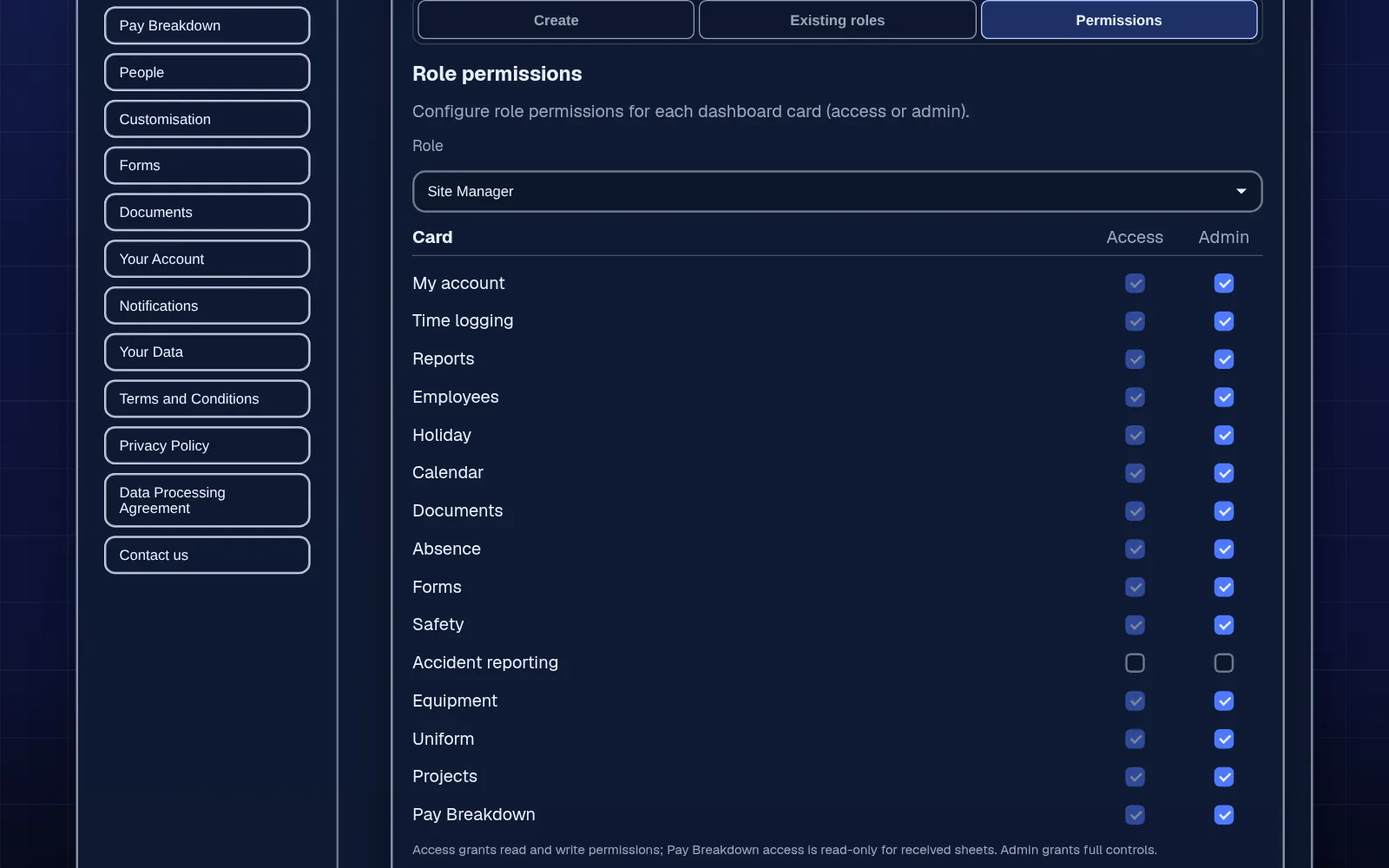
Create roles your team recognises, such as Site Supervisor or Cleaner, and switch on only the areas each role needs to use or manage. Roles decide access across the whole of Employr.
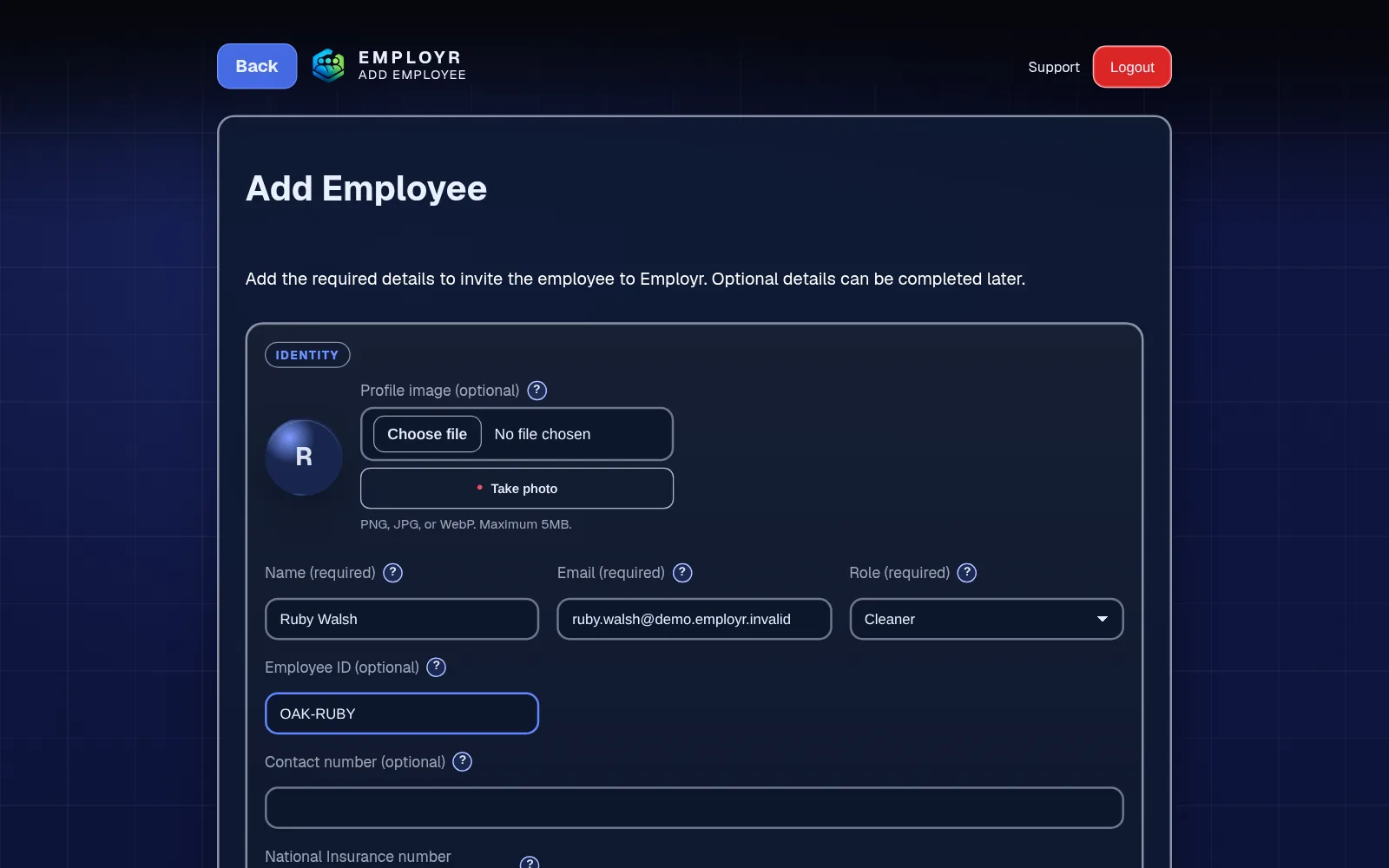
Add each person with their name, work email and role. Employr emails them an invite with your company's join code, and they create their own login with it. Nobody can join your company until you've added them.
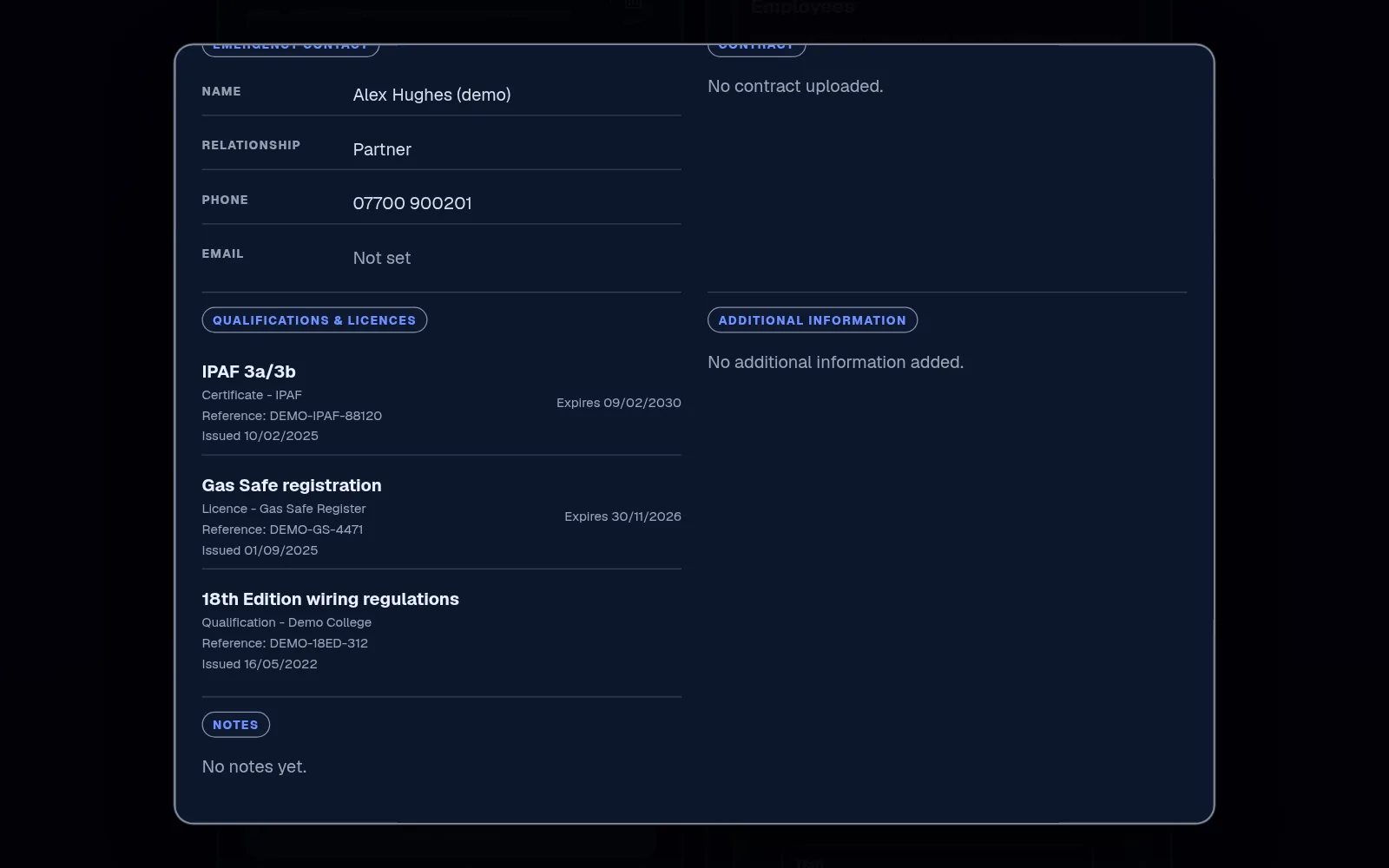
Add phone and emergency contacts and an employee ID, and record qualifications, licences and certificates with expiry dates. On Starter and above, attach the files and add a profile photo, uploaded or taken with the device camera with the person's agreement.
When someone changes role, update it and check what they can now see. When they leave, get back any equipment still signed out to them and reassign open work. Removing someone permanently deletes their hours, holidays and documents, so export what you need to keep first.
In detail
The directory lists your people. Authorised users can open a profile to see contact details, role, employee ID, qualifications, documents and holiday usage.
Each role can be allowed to use an area, such as clocking or documents, and separately to manage it. Grant manage access narrowly and review it when people change role.
Record CSCS, IPAF, PASMA, first aid or gas qualifications with expiry dates, and check them before sending someone to a site that asks. There are no expiry reminders, so build in a regular check.
On Team and above, group people who usually work together into teams, up to 5 on Team. Roles control access; teams just make assigning shifts, projects and forms quicker.
Employr stores the records you choose to keep and controls who can see them. It doesn't carry out right-to-work or background checks, verify that a certificate is genuine, send expiry reminders or run payroll. Your company decides what to collect, why and for how long, so check the ICO's guidance on employment records.
Keep exploring
Questions
Yes. Employee records are on the Free plan, along with the rota and clocking in. Attachments and profile photos need document storage, which starts on Starter.
Yes. Add licences, cards and certificates to a person's record with expiry dates. Employr doesn't send expiry reminders, so check them as part of your routine.
Yes, once you've added them. Add the person with their work email and role, and they create their own free login with the join code from their invite email.
Only people whose role allows it. Employees see their own information; you decide which roles can open or change other people's records.
No. Employr doesn't carry out right-to-work or background checks. GOV.UK explains how employers check right to work.
Your company decides what personal information to keep, why and for how long, and Employr processes it for you under our Data Processing Agreement. Collect only what you need, and limit sensitive details to the roles that need them.
Free covers up to 5 employees and 3 roles. Starter is £19 a month for up to 10 employees with 250 MB of document storage, and Team is £45 a month for up to 25 with 1 GB and up to 5 teams.
Try it with your team
Add your team, set their roles and keep their details in one place. No card needed.