People, schedules, hours, requests, jobs, and records stay connected.
Inside the Employr App
The tools your team needs.
Without the clutter.
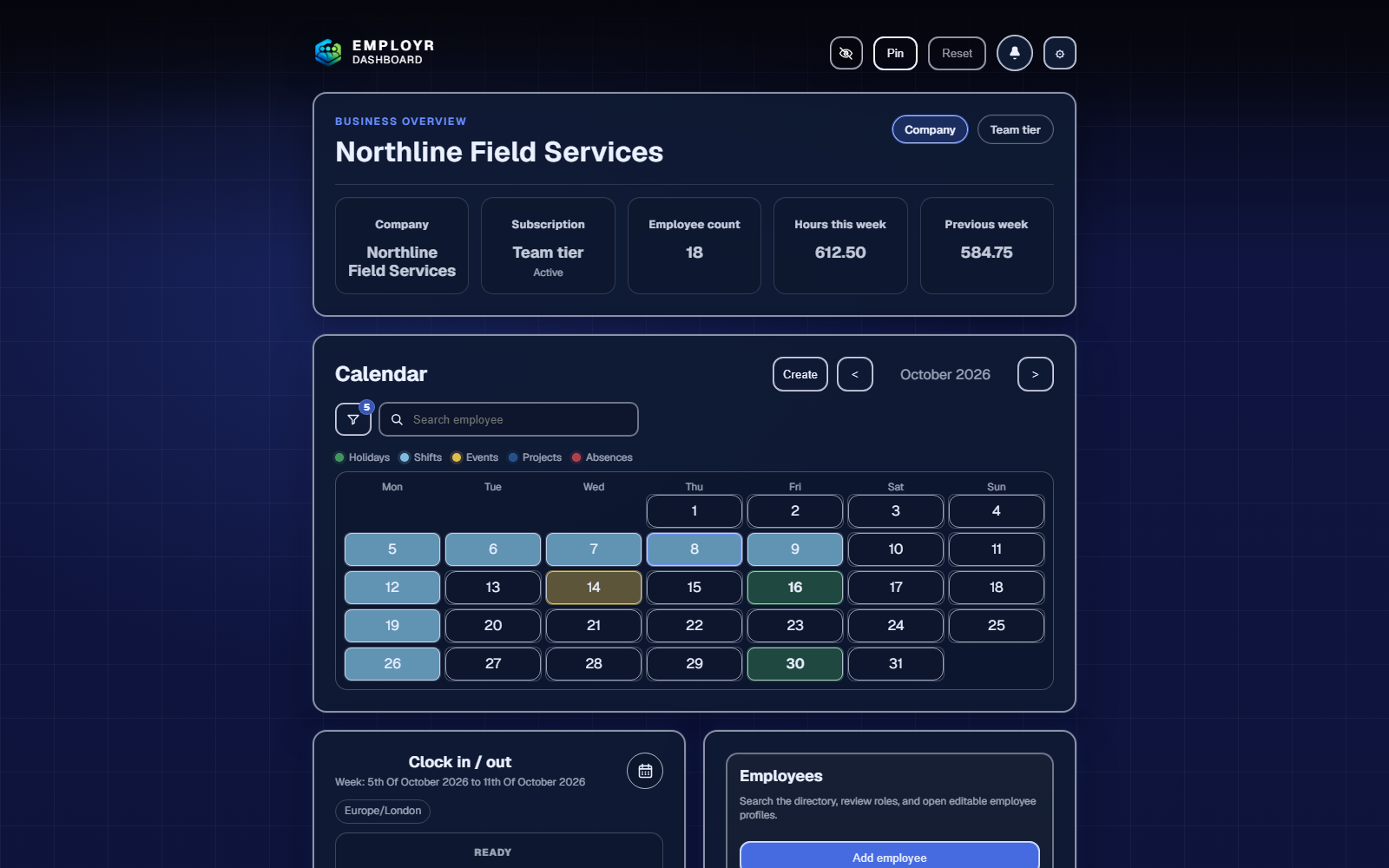
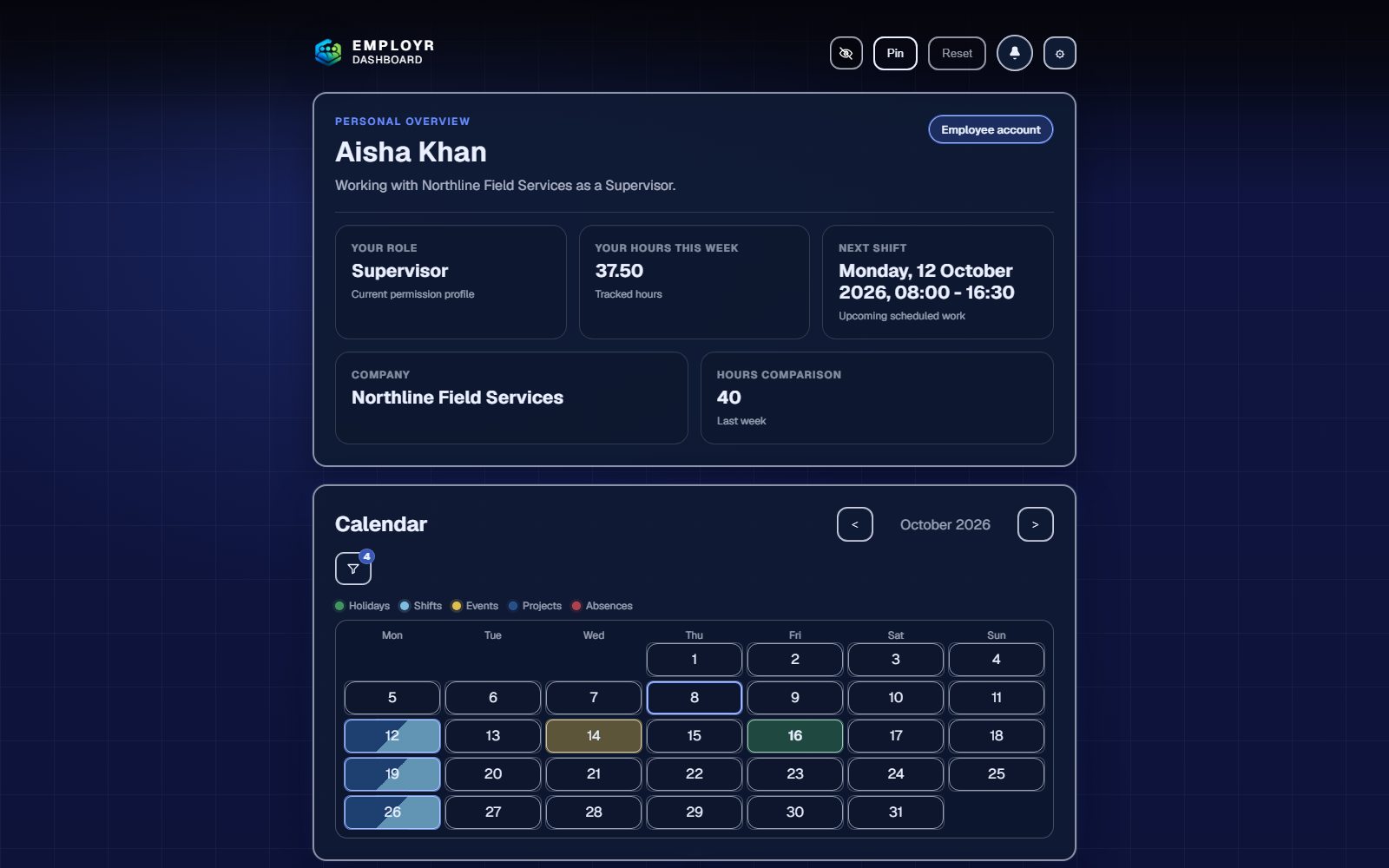
Manage people, time, jobs, and workplace records from one shared app. Choose a feature below for a quick, practical look at how it works.
1 of 2
Check work, clock time, request leave, and complete assigned actions.
Plans set available features; roles decide who can use or manage them.
Platform tour
Four connected areas.
One simpler workspace.
Choose the part of the working day you want to explore. Each area brings related tools together instead of making your team jump between separate systems.
Rota · Core scheduling from Free
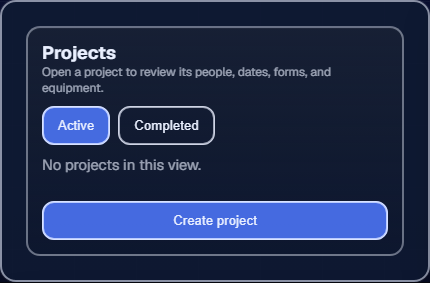
Plan regular shifts or organise contractor work by project.
Use a standard rota for repeatable working patterns, or create projects when contractors and site teams need the job details and records kept together.
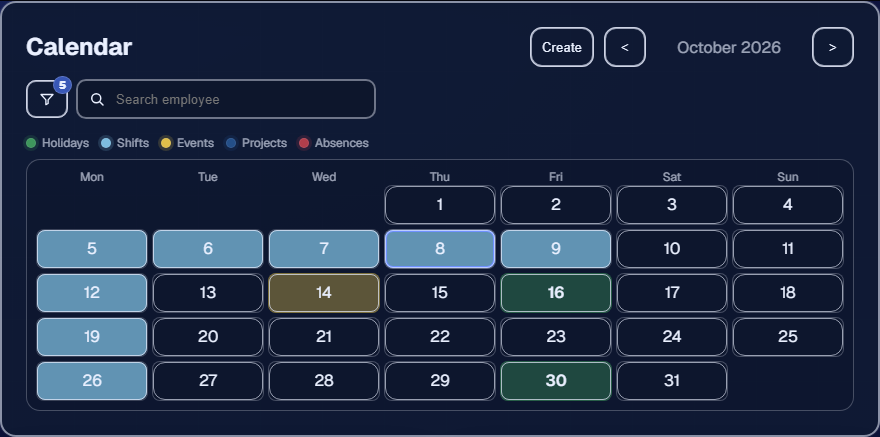
- Standard rota: create shifts with clear start and finish times.
- Contractor projects: assign people, site details, forms, documents, and working time from Team.
- One calendar: see shifts, project dates, and availability together.
Attendance · Clocking from Free, leave from Starter
Understand who worked, who is away, and what needs attention.
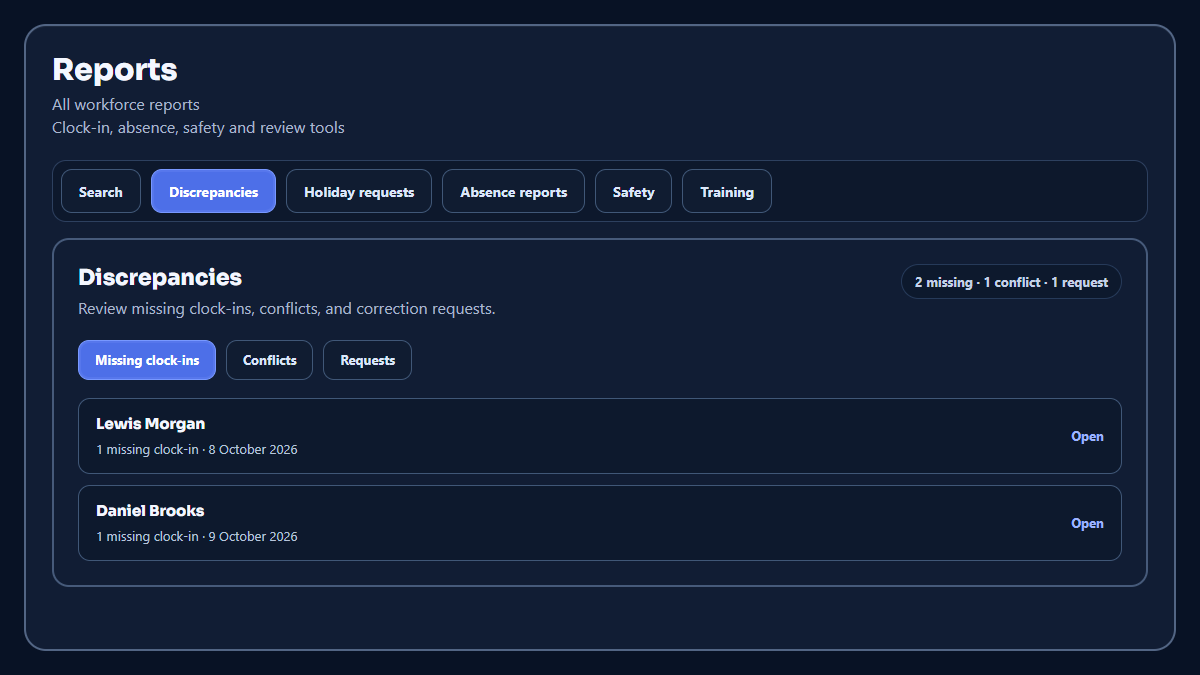
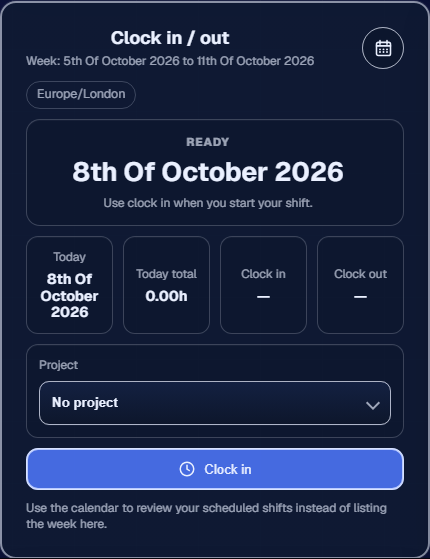
Bring clock-ins, corrections, attendance reports, holiday requests, allowances, and unplanned absence into one connected view.
Planned time offHoliday
Request, approve, track allowance, and add confirmed leave to the calendar.
Unplanned time offAbsence
Record dates, reason, notes, and permitted evidence separately from holiday.
- Working time: employees clock in and out without paper timesheets.
- Holiday: request, review, approve, and show confirmed leave in the calendar.
- Absence: keep unplanned absence and permitted evidence separate from holiday.
Compliance · From Team
Build the RAMS, checks, and evidence your work requires.
Create reusable compliance forms and document workflows for your jurisdiction, industry, client, or site. Use them for RAMS, inductions, inspections, permits, training acknowledgements, and other records your process requires.
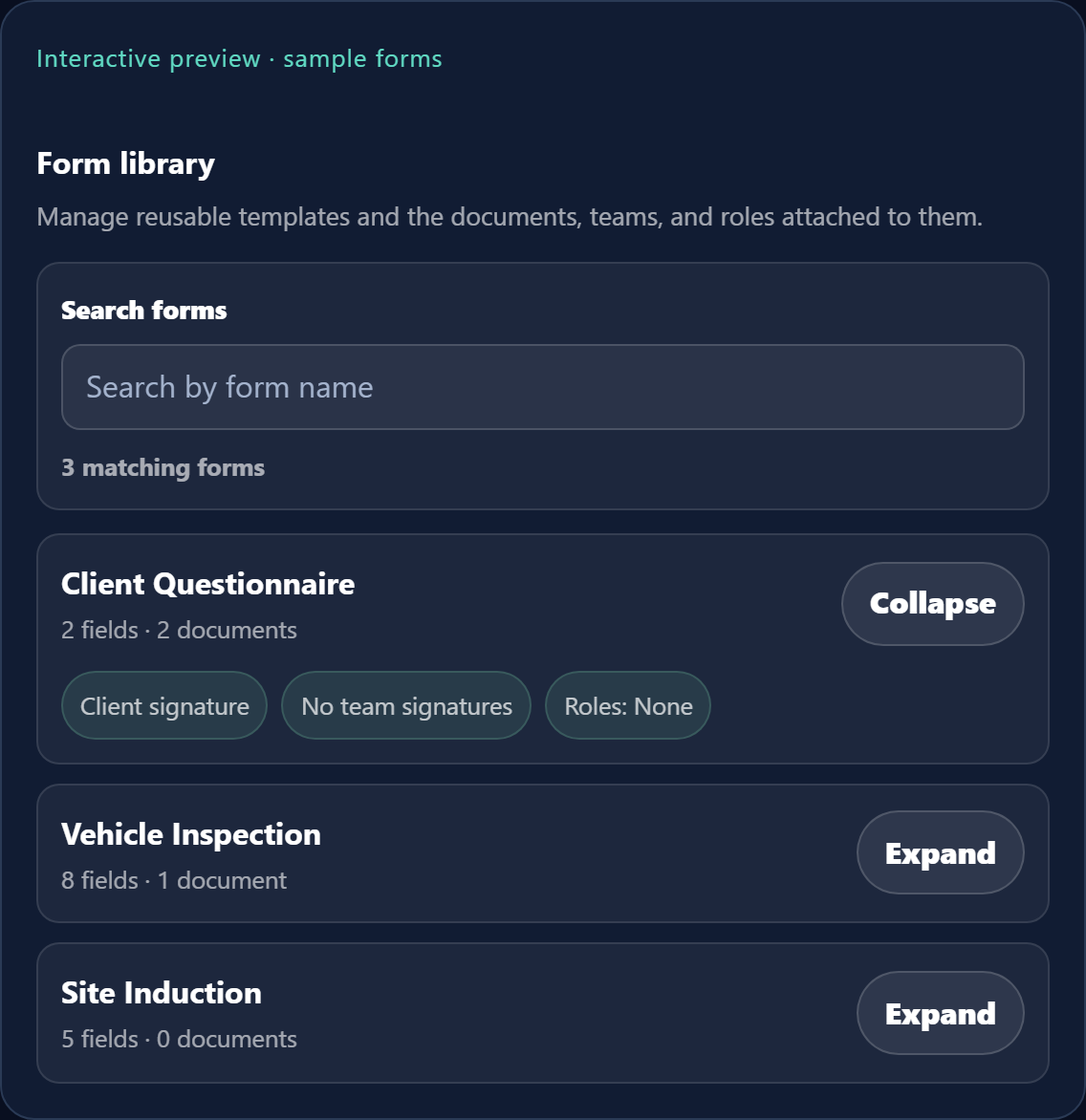
RAMSSite inductionInspectionPermit or checklistTraining acknowledgementHazard or incident report
- Create: combine structured questions, instructions, photos, uploads, and signature fields.
- Assign: send the right form or controlled document to an employee, team, role, or project.
- Evidence: keep responses, supporting files, signatures, and acknowledgements with the work.
- Report: give hazards, near misses, and accidents their own structured route for manager review.
Your requirements remain yours. Rules differ by country, industry, client, and site. Employr helps you create and retain the record; it does not decide what is legally required, certify a document, or guarantee compliance.
Explore forms, RAMS, and signaturesReporting · Time reports from Free, safety and training from Team
Find what needs attention and the history behind it.
Use one reporting area to investigate time discrepancies, search past employee activity, review safety reports, and check whether important documents and training have been signed off.
- Clock-in exceptions: identify missing entries, overlapping or conflicted records, and correction requests that need review.
- Employee history: search by employee and period to inspect recorded attendance and understand the events behind a total.
- Accidents and hazards: review structured accident, near-miss, and hazard reports with the facts and permitted evidence kept together.
- Safety and training: check assigned documents, attached forms, acknowledgements, signatures, and outstanding sign-off.
1 of 4 · Rota
Start with what you need
Core rota and attendance tools are free.
Add leave, contractor projects, compliance, advanced reporting, and controlled records as your company grows.