
Odd hours handled
Shifts that start at 5am or finish after midnight keep their real dates, and split shifts across the day are normal: up to five clock entries a day per person.
For cleaning companies
Plan shifts across your clients' sites, let cleaners clock in from their phone, and keep uniform, equipment and client sign-off in one place.
Rotas and clock-ins are free for up to 5 employees. Uniform, equipment and sign-off forms are on Team.
The problem
Cleaning teams start before the office opens and finish after it closes, often at three or four sites in a day. Hours come in by text, cover gets sorted in the group chat, and uniform requests arrive as voice notes.
When a client asks whether last Tuesday's evening clean happened, the answer is somewhere in a phone.
How a week runs in Employr
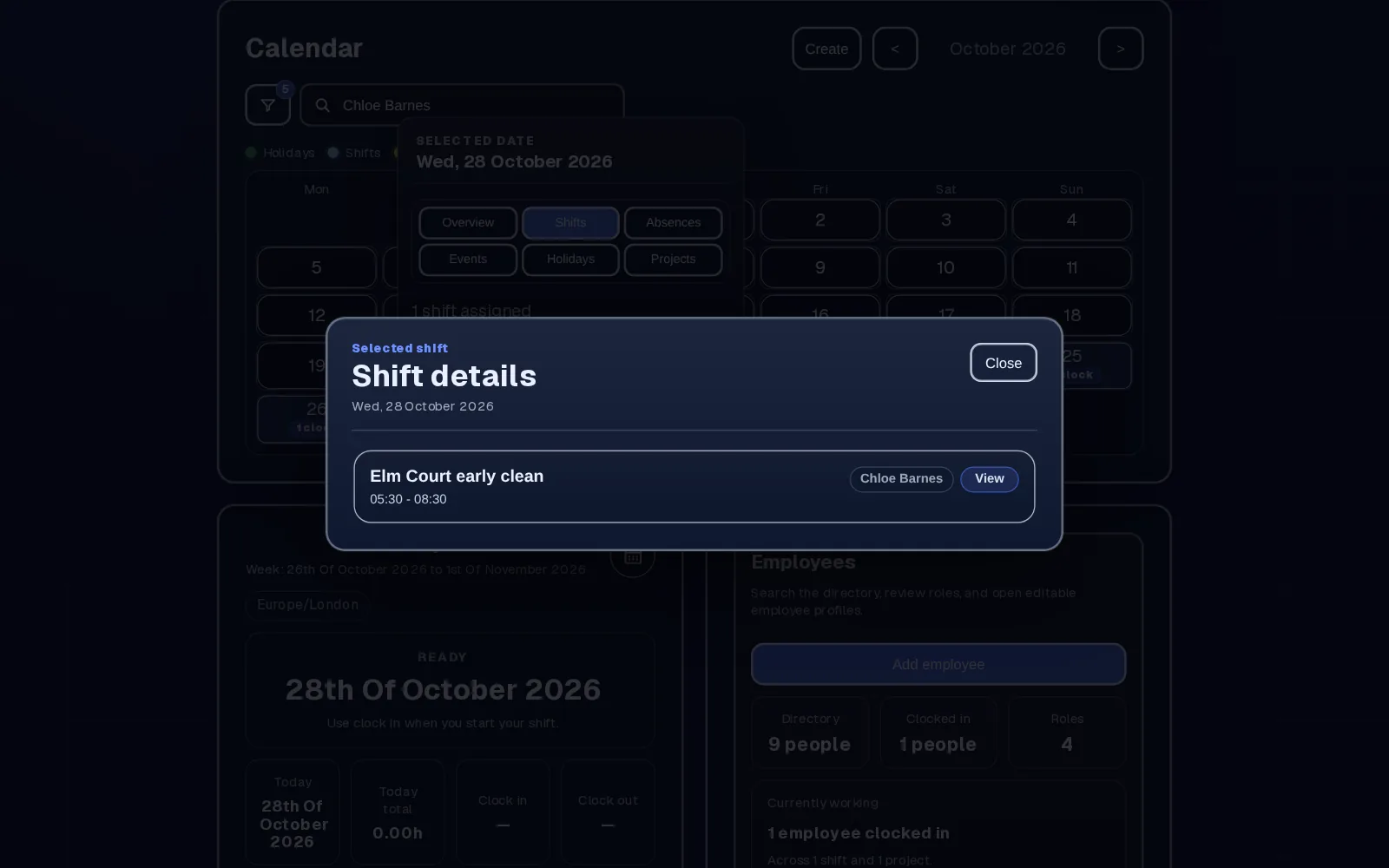
Create shifts with real start and finish times, including early mornings and late evenings, and add short instructions. On Team, set up each client contract as a project with the site address and contact.
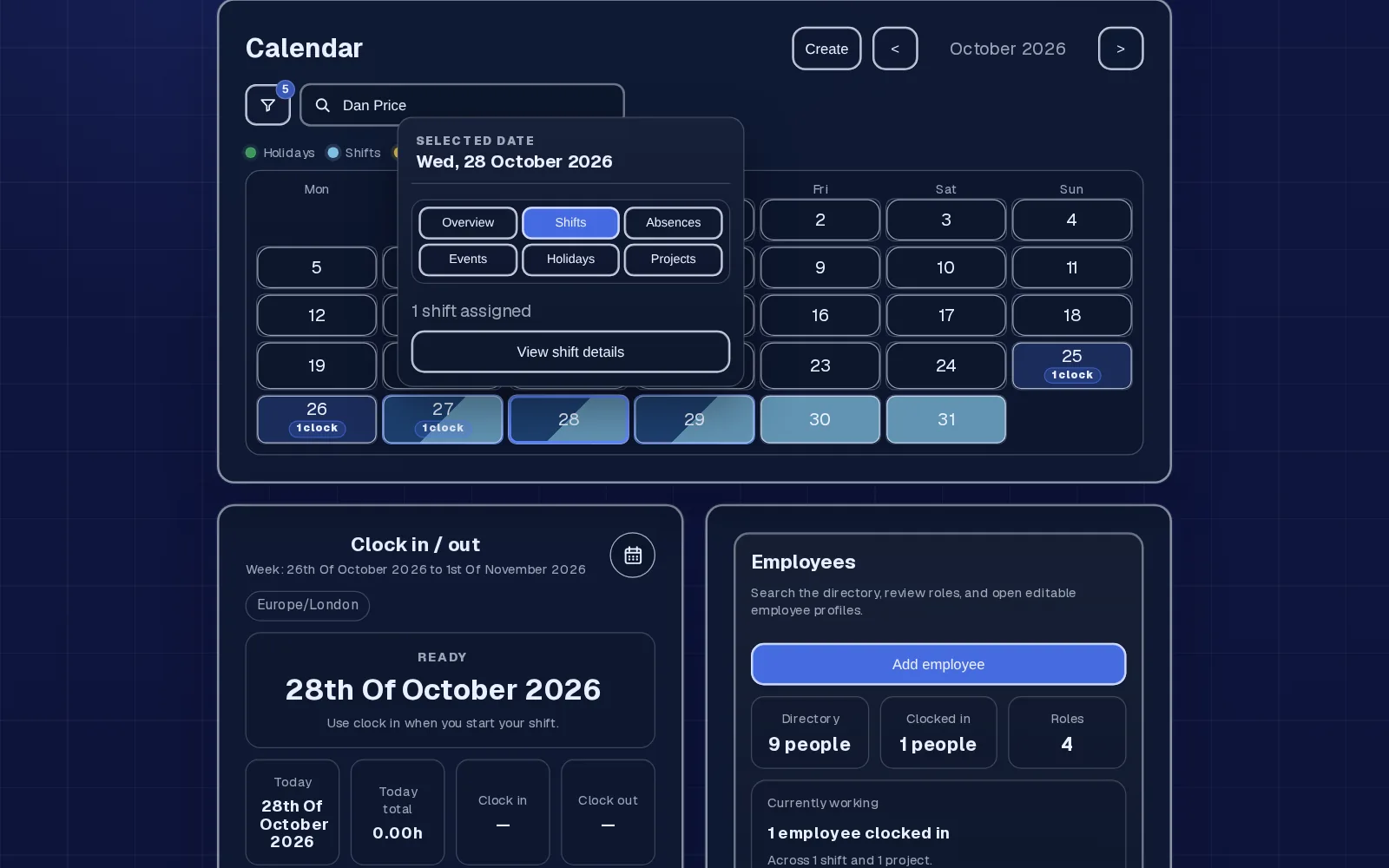
Cleaners clock in and out from their phone. Working two sites in a morning? They clock out of one project and into the next. Missed clock-outs go through a correction request.
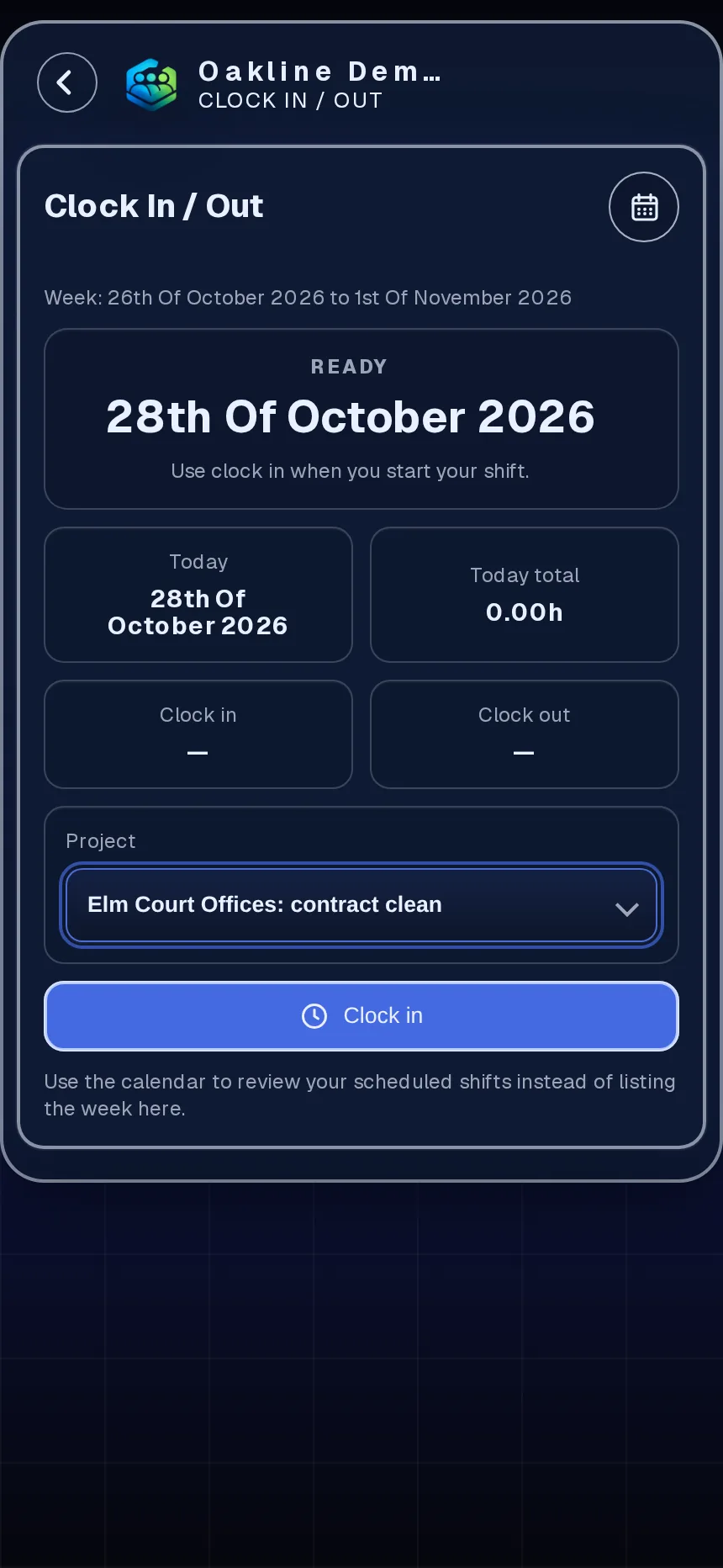
Cleaners request uniform by item and size from your stock list, and a manager processes or declines it. Vacuums, floor machines and keys are signed out by the cleaner who takes them, with a signature when they go to a site's project.
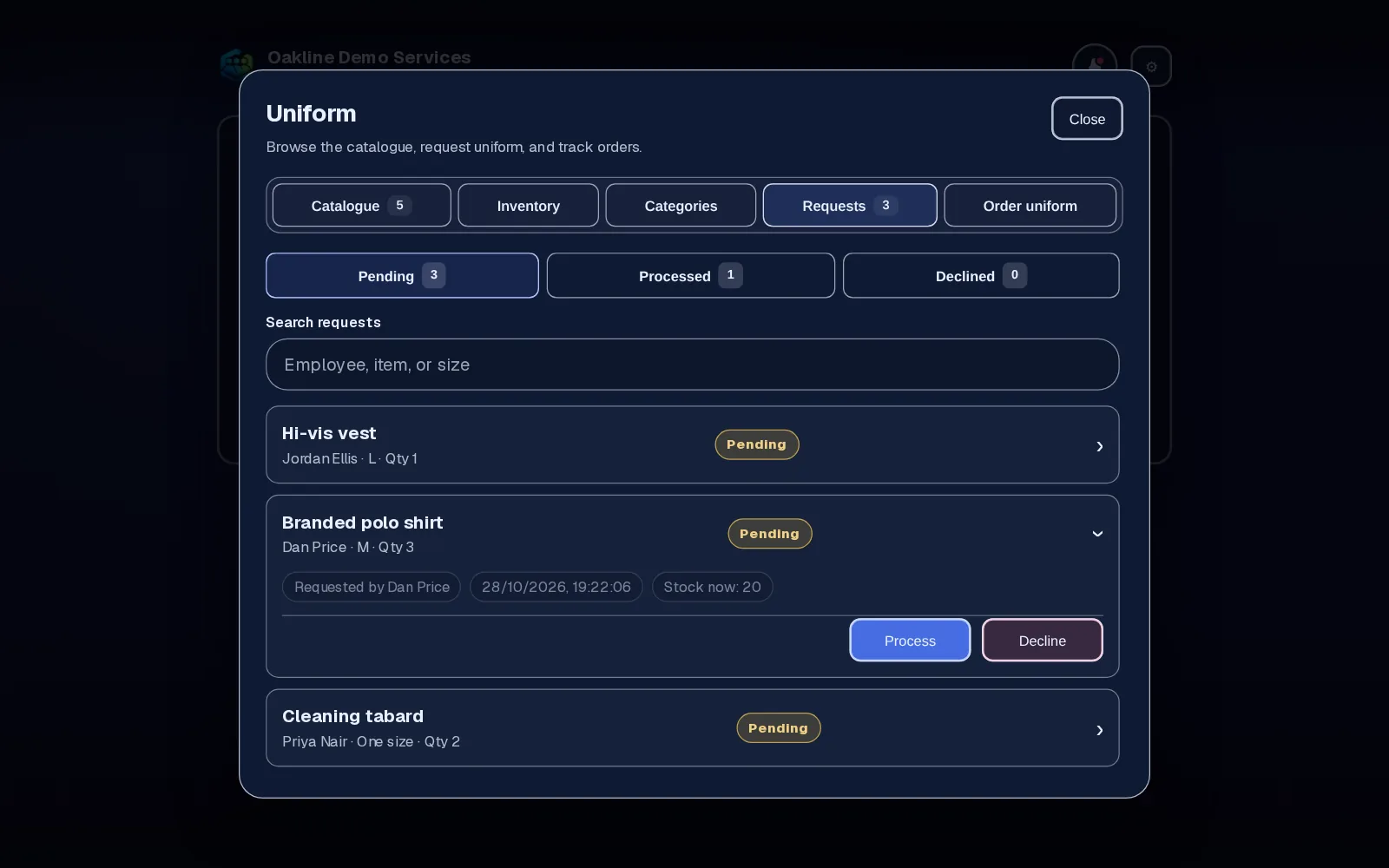
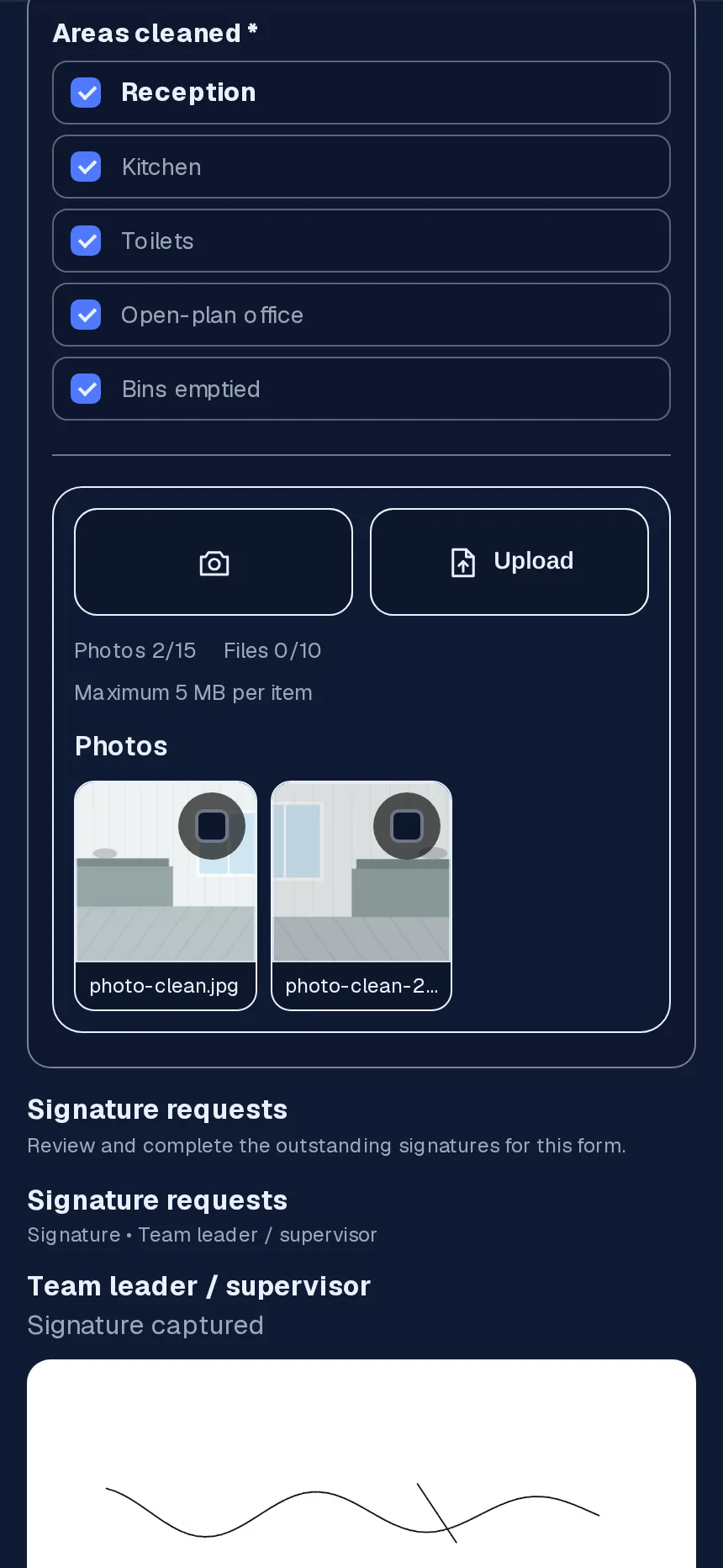
Attach a checklist form to the site's project. The cleaner ticks it off, adds photos, and the client or supervisor signs on the phone.
Built around cleaning work
Shifts that start at 5am or finish after midnight keep their real dates, and split shifts across the day are normal: up to five clock entries a day per person.
On Starter and above, approved holiday sits on the same calendar as the rota, so you can see who's away before you promise a client cover.
Sign out site keys, fobs and floor machines like any other equipment, so you know who has them.
Many cleaners work part-time hours. Holiday allowances can be set in days or hours per role. In the US you might call it PTO; it works the same way.
Why cleaning companies use it
Clock-ins replace the end-of-week messages, and corrections have a reason attached.
No more voice notes about tabards. Requests are checked against stock and processed.
Photos and a signature on a checklist form are easier to show a client than a text saying 'done'.
Team is £45 a month for up to 25 employees. Taking on another cleaner within that limit costs nothing extra.
Employr doesn't use geofences or GPS tracking to prove attendance, doesn't carry out right-to-work checks and doesn't run payroll. Location is optional at clock-in. It needs an internet connection to save records, which is worth checking for basements and plant rooms.
Keep exploring
Questions
Rota and clock-ins are free for up to 5 employees. Starter adds holiday and absence for up to 10. Team adds projects for client sites, uniform, equipment and sign-off forms for up to 25, at £45 a month.
Yes, in the phone's browser. Native Android and iOS apps are in development.
You can attach a checklist form to the client's project, with photos and a client or supervisor signature, and download the records later.
No. Each plan is one price with an employee limit. You only move up a plan when you go past the limit.
No. Location can be attached at clock-in if the cleaner's phone allows it, but Employr doesn't use geofences or tracking.
Yes, among other things. Rostering, rota and scheduling all mean the same here: planning who works when and where.
Try it with your team
Rota and clock-ins are free for up to 5 employees. Add client sites, uniform and sign-off on Team.