
Four kinds of signature
Client forms take client signatures; team forms take team, lead or employee signatures. The client's name is recorded with their signature.
Client & job sign-off · From Team
Build a form once, attach any document the client should see, such as your RAMS or a method statement, add it to each job, and get the client's signature in person on your phone or tablet.
Projects, forms and signatures are on Team, £45 a month for up to 25 employees.
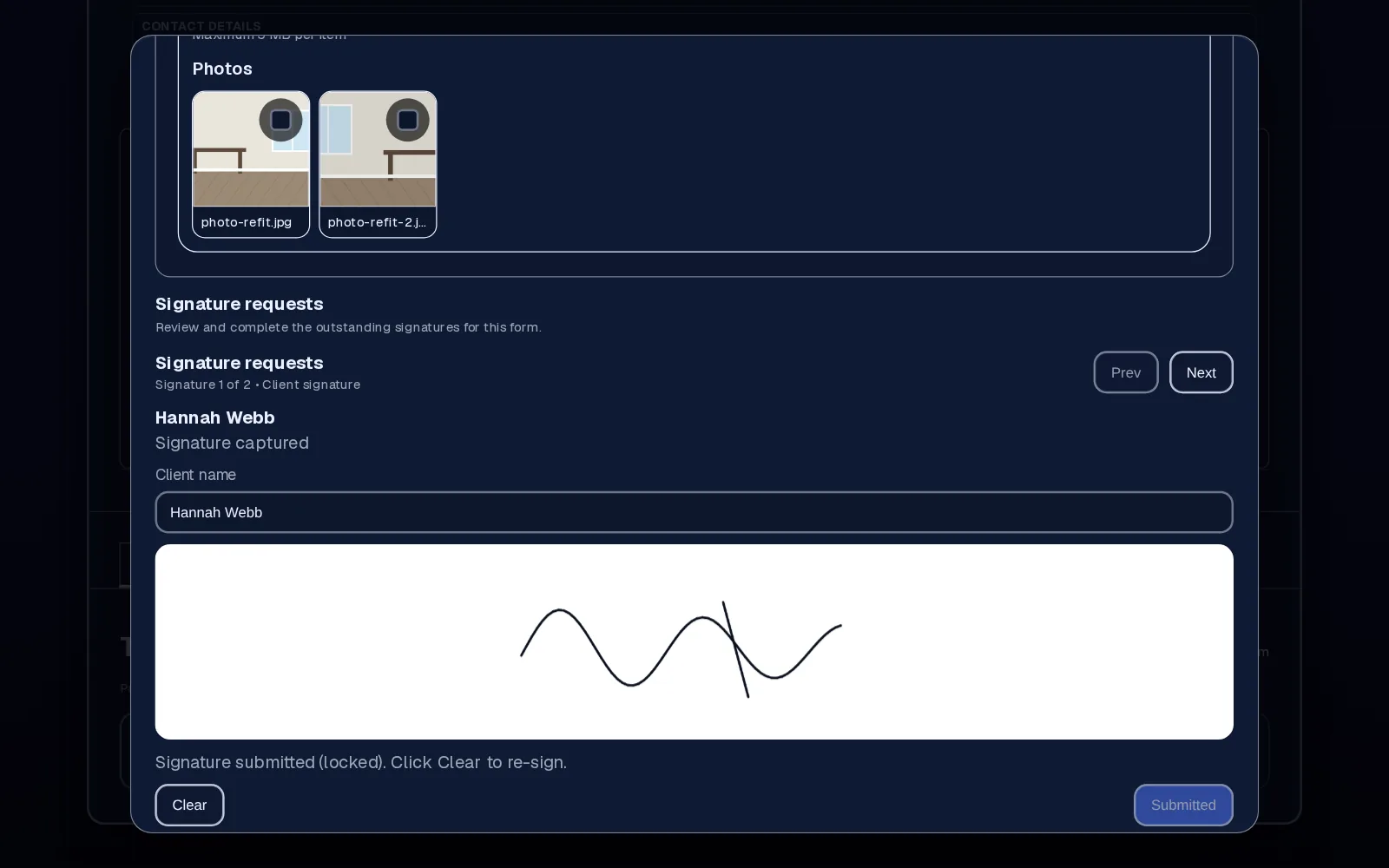
The problem
The job's done, the client's happy, and everyone wants to get home. The sign-off sheet is on the back seat, or it never gets signed at all.
Weeks later there's a query about snagging, or the invoice, and all you have is a memory and a few photos on someone's phone.
How it works in Employr
Use the form builder to set up your completion checklist: text, dropdowns, multiple choice, photos, file uploads and signature fields, with an optional document shown above a signature box.
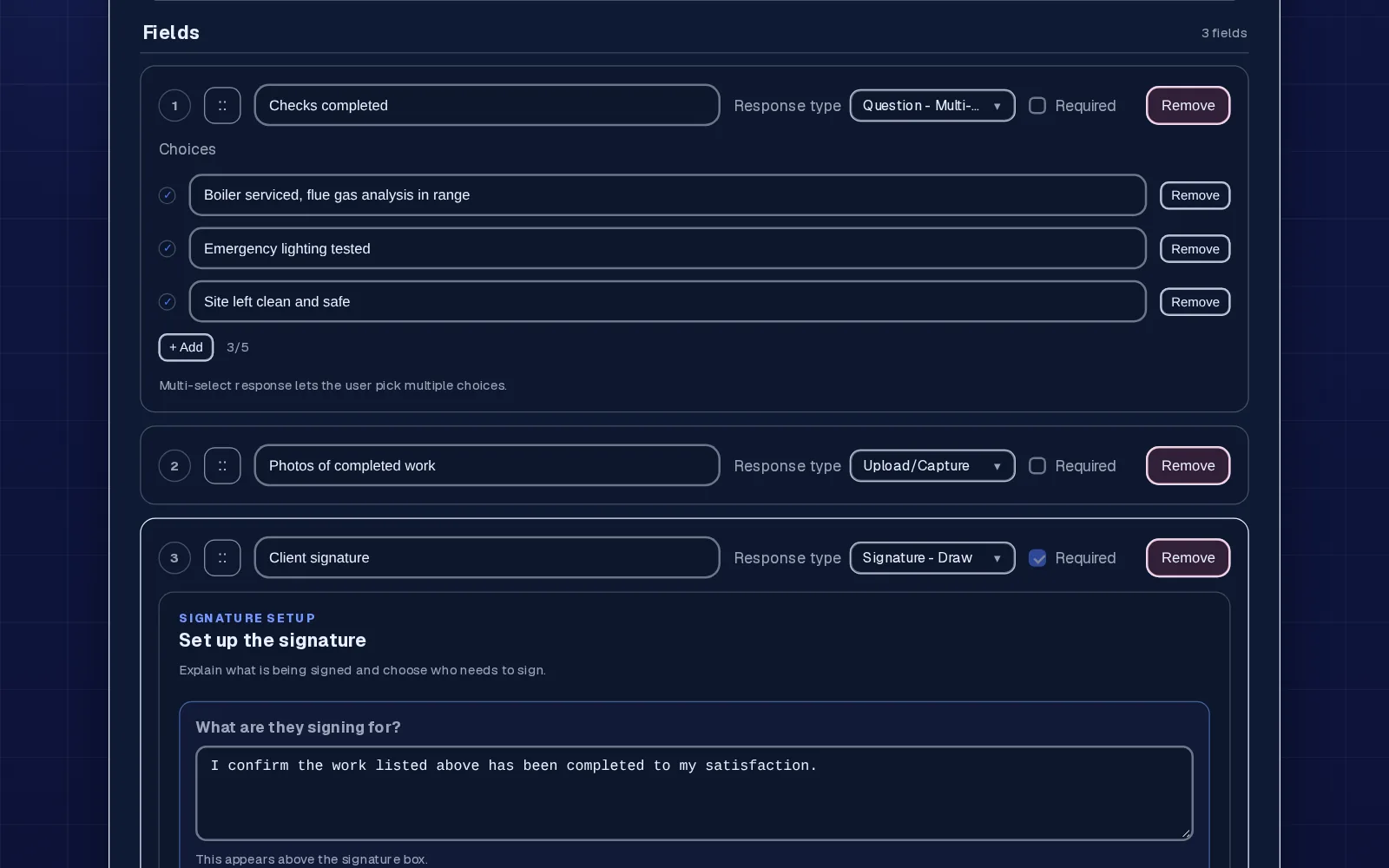
Attach the form to a project. The project gets its own copy, so you can tweak the wording for this job without changing your template.
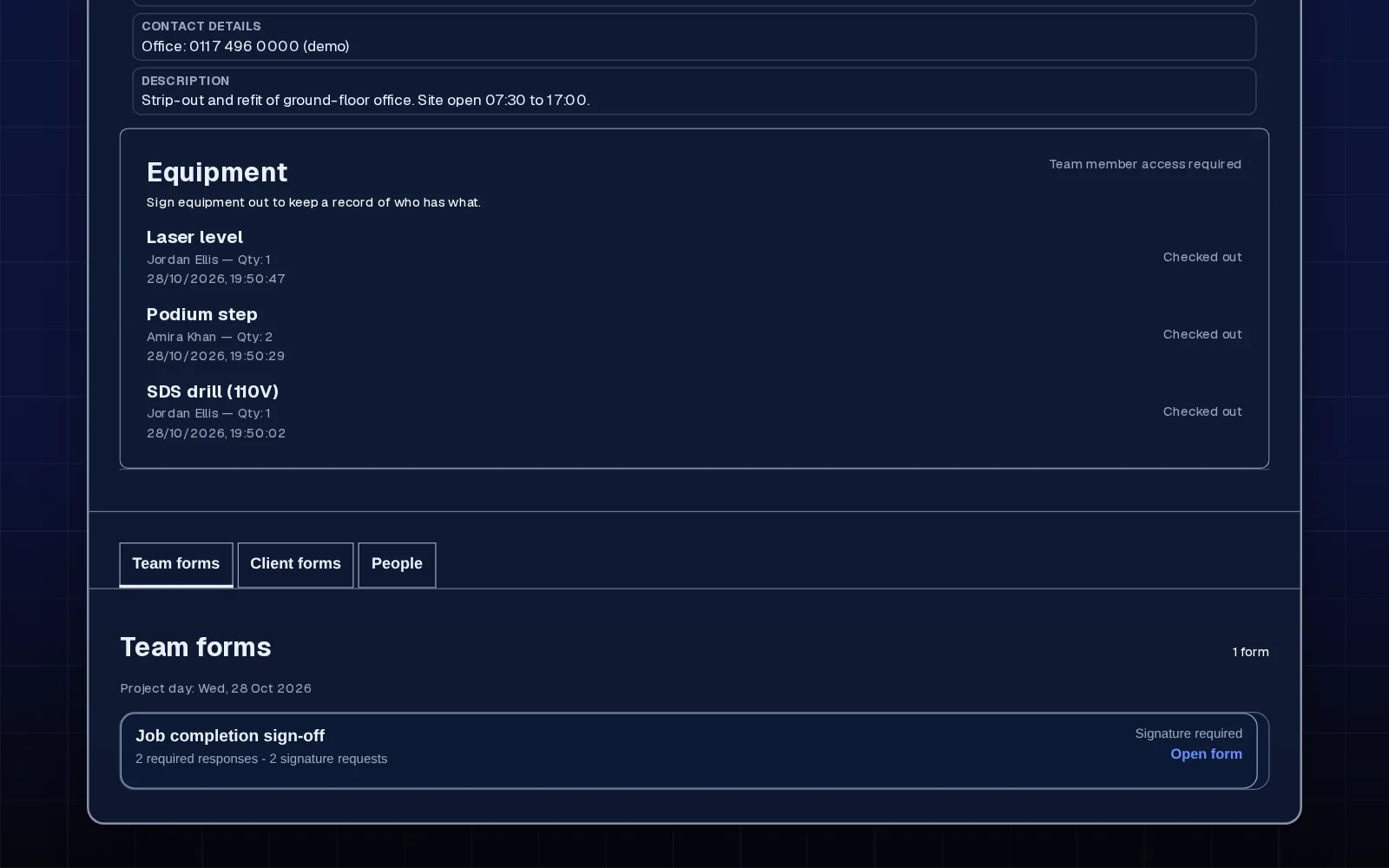
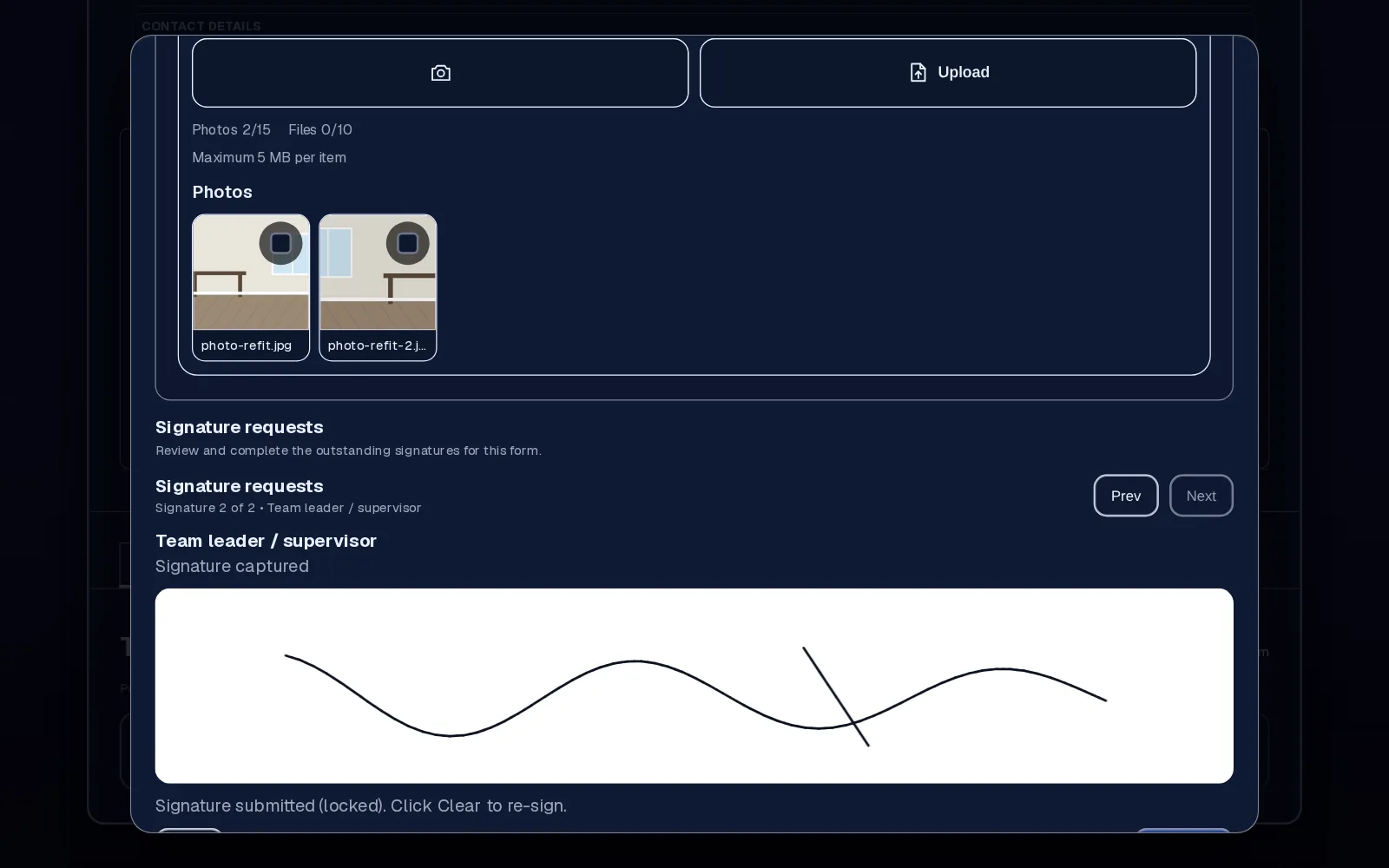
The team completes the checklist and adds photos on a phone or tablet, then hands the phone or tablet to the client to sign in person. Team, lead or employee signatures go on a separate team form for the same job.
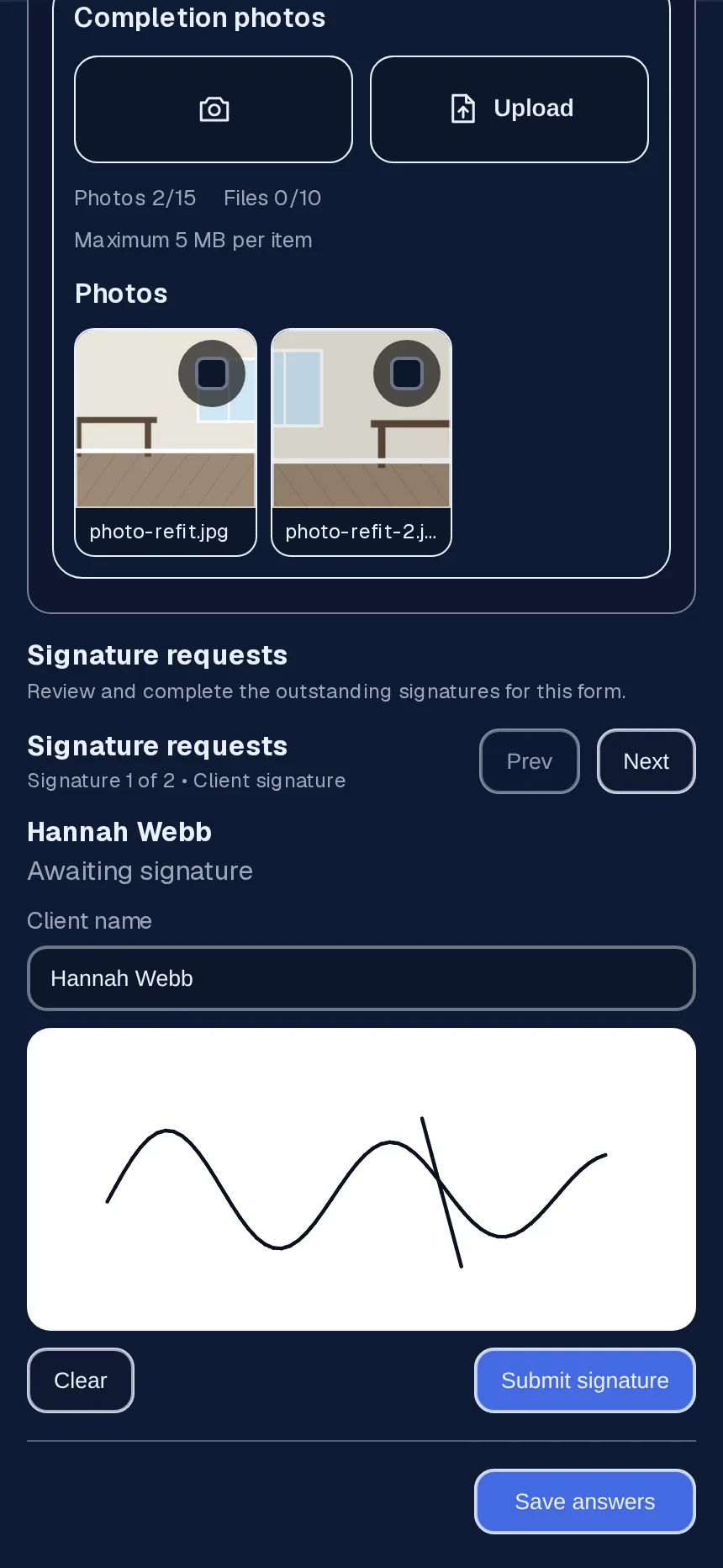
Answers, photos and signatures are saved on the project. You can review the submission and download the signature files and project records when you need them.
In detail
Client forms take client signatures; team forms take team, lead or employee signatures. The client's name is recorded with their signature.
Use the same forms for handovers, daily checks, variations agreed on site or snagging walk-rounds.
Submissions come back to the project for review, so someone in the office checks for missing answers before the job is closed.
The signed form sits beside the job's hours, documents and equipment, so the whole story is in one place.
Why teams use it
The client signs while they're standing in front of the work.
Before-and-after photos and answers are saved with the sign-off, not on someone's phone.
Everyone uses the same checklist, and you can adjust it per job when you need to.
Forms and signatures come with Team, alongside projects, RAMS sign-off and equipment.
Employr captures and stores the sign-off. It doesn't create quotes, invoices or job costings, and a signature on a form isn't a substitute for your contract terms. Check what your contracts require.
Keep exploring
Questions
Yes. The form opens in the Employr web app on a phone or tablet and the client signs on screen in person. There's no link to send them. Native Android and iOS apps are in development.
Yes. Forms can include image and file upload fields, saved with the answers and signatures.
Yes. You build the form with your own questions, and each project gets its own copy you can edit.
Yes. A client form can take up to 10 client signatures per signature field, and a team form on the same project takes team, lead and employee signatures, so a supervisor can sign as well as the client, or a lead can confirm their checks before handover.
Yes. Build separate forms for completion, handover, snagging or daily checks, and attach the right one to each job. Each project keeps its own submitted copies.
No. Employr doesn't do quotes, invoices or job costing. It keeps the signed record, which you can download.
Yes. It replaces the paper customer or client sign-off sheet with a digital form and signature.
Projects, forms and signatures are on Team and above. Team is £45 a month for up to 25 employees.
Try it on your next job
Team adds projects, forms, signatures, RAMS sign-off and equipment. Start free and upgrade when you need it.