
Tickets and cards on file
Keep IPAF, PASMA, CSCS, electrical and gas qualifications on each engineer's record with expiry dates, so you can check them before sending someone to a site that asks.
For maintenance, facilities and field engineers
Your engineers start from home, cover three sites before lunch and finish wherever the last job is. Employr keeps their hours, safety documents, van kit and job sign-offs in one place.
Clock-ins and the rota are free for up to 5 employees. Projects, RAMS sign-off, equipment and sign-off forms are on Team.
The problem
Maintenance and field teams rarely share a base. An electrician starts at a school, a multi-trade engineer does a reactive call-out at an office block, and a planned service runs over into the evening. The office finds out what happened from a job sheet, a text or a phone call.
That's fine until a client queries an invoice, asks who attended, or wants to know whether the engineer read the site's RAMS. Then you're piecing together the day from photos and memory.
How a day runs in Employr
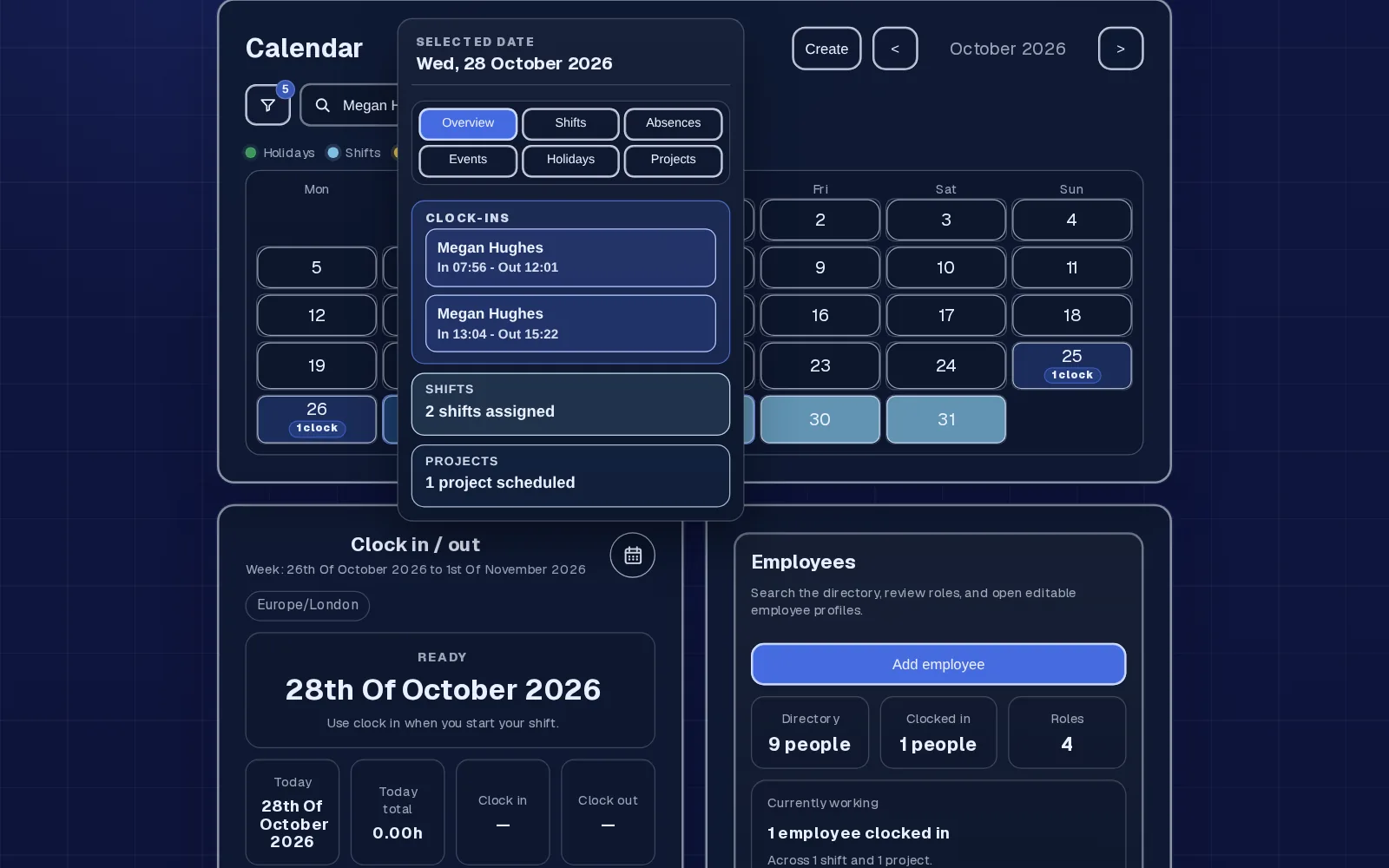
Put planned maintenance visits on the rota as shifts, with the site in a Location field and any instructions in the description. Set up each contract or site as a project with the address and client contact, so engineers can check the details before they set off.
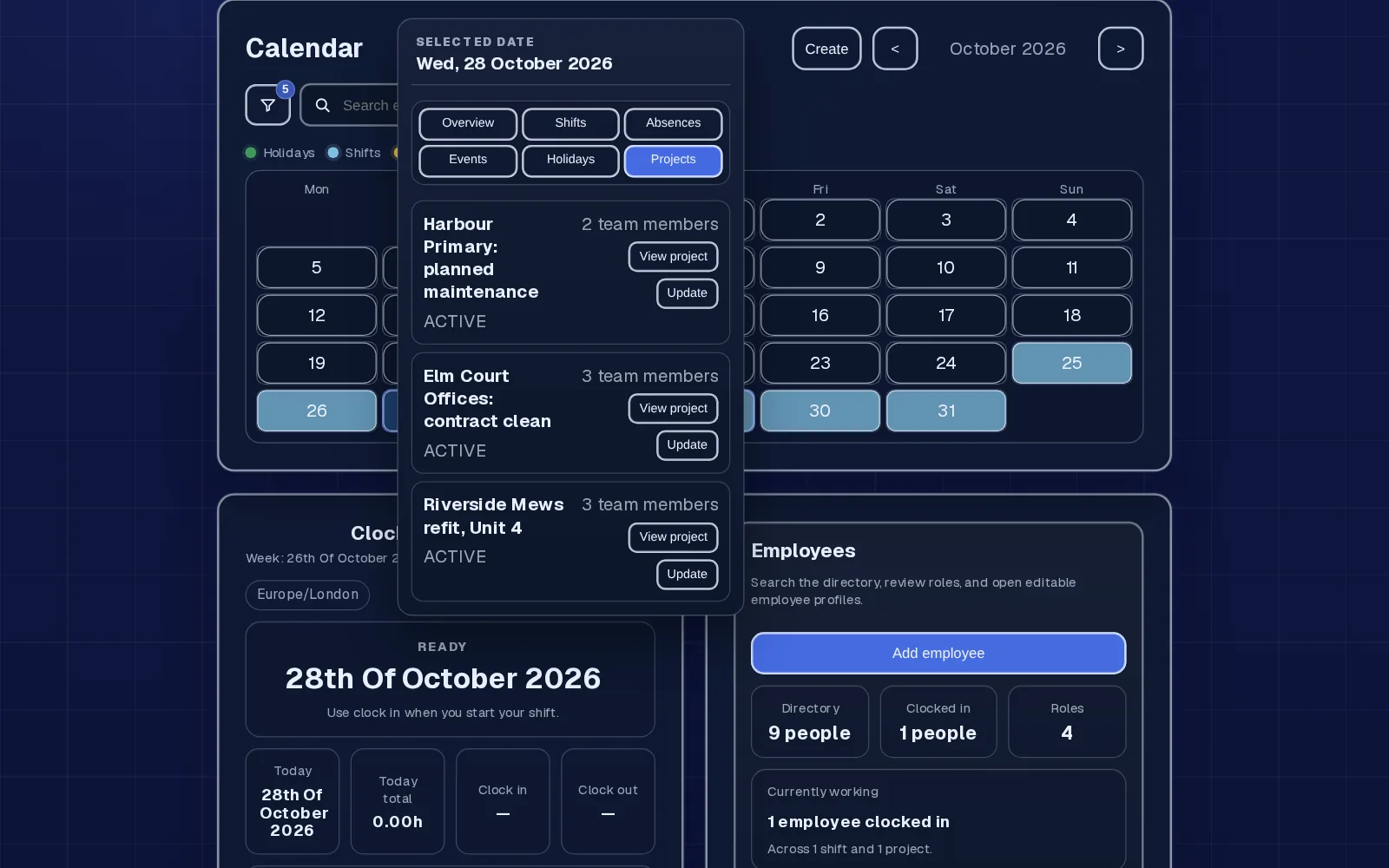
Engineers clock in to the project they're working on and clock out when they leave. Moving to a second site is a clock-out and a new clock-in, so the hours land on the right job. Up to five entries a day covers a busy day.
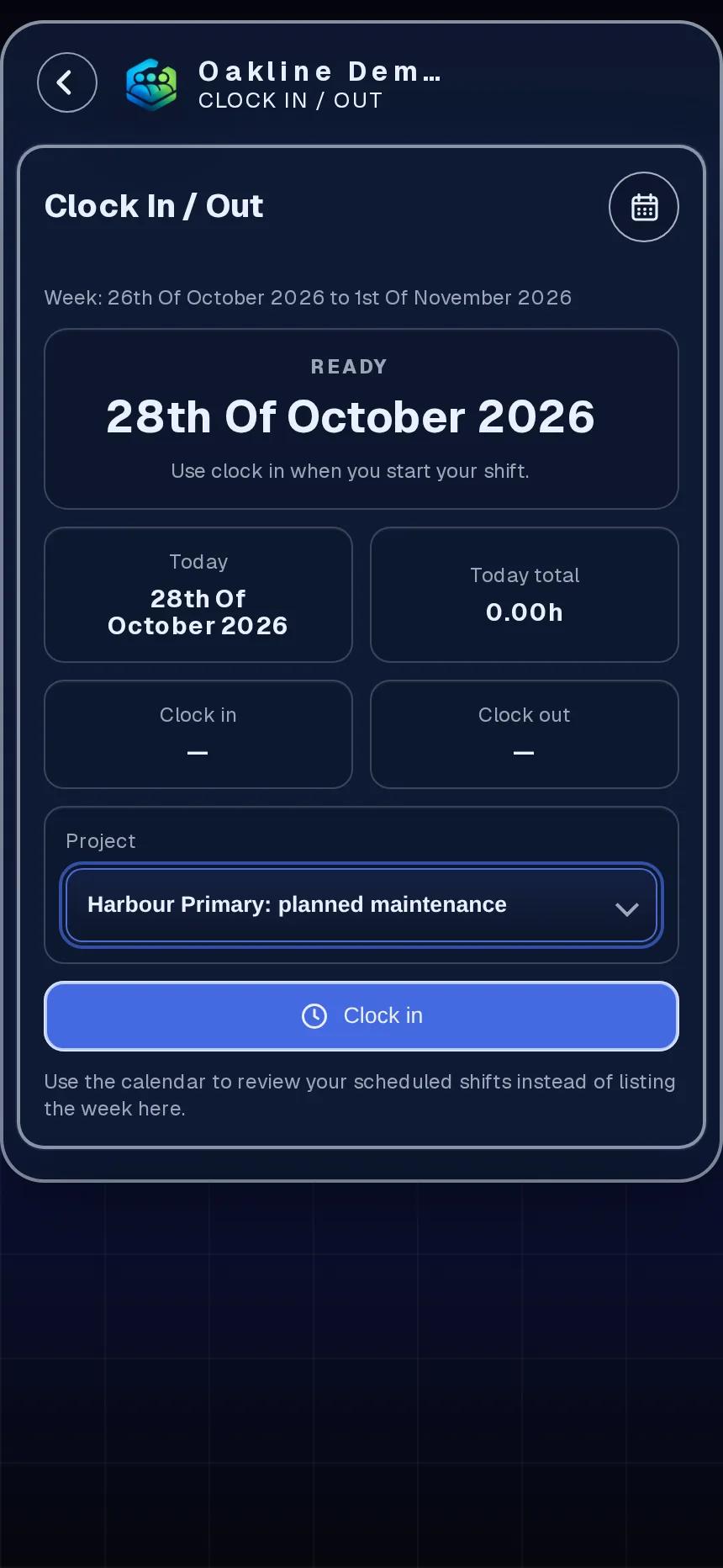
Build a form, attach the site's RAMS, method statement or induction and add it to the job, choosing the engineers who need to sign. Or send it as a safety document to roles or people. Before starting, they sign on their phone to confirm they've read and understood it (signature, name and time recorded), and you can see who hasn't.
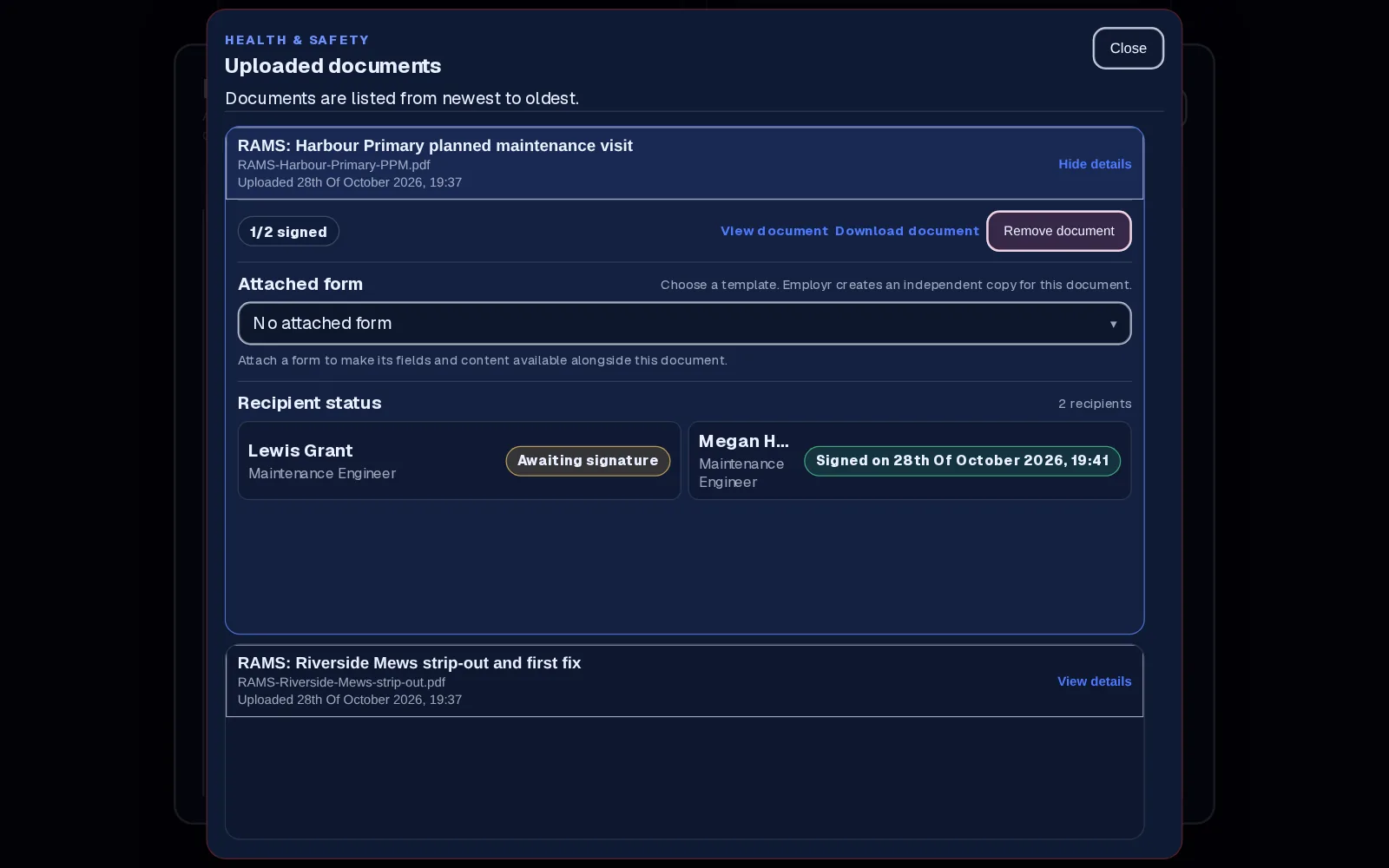
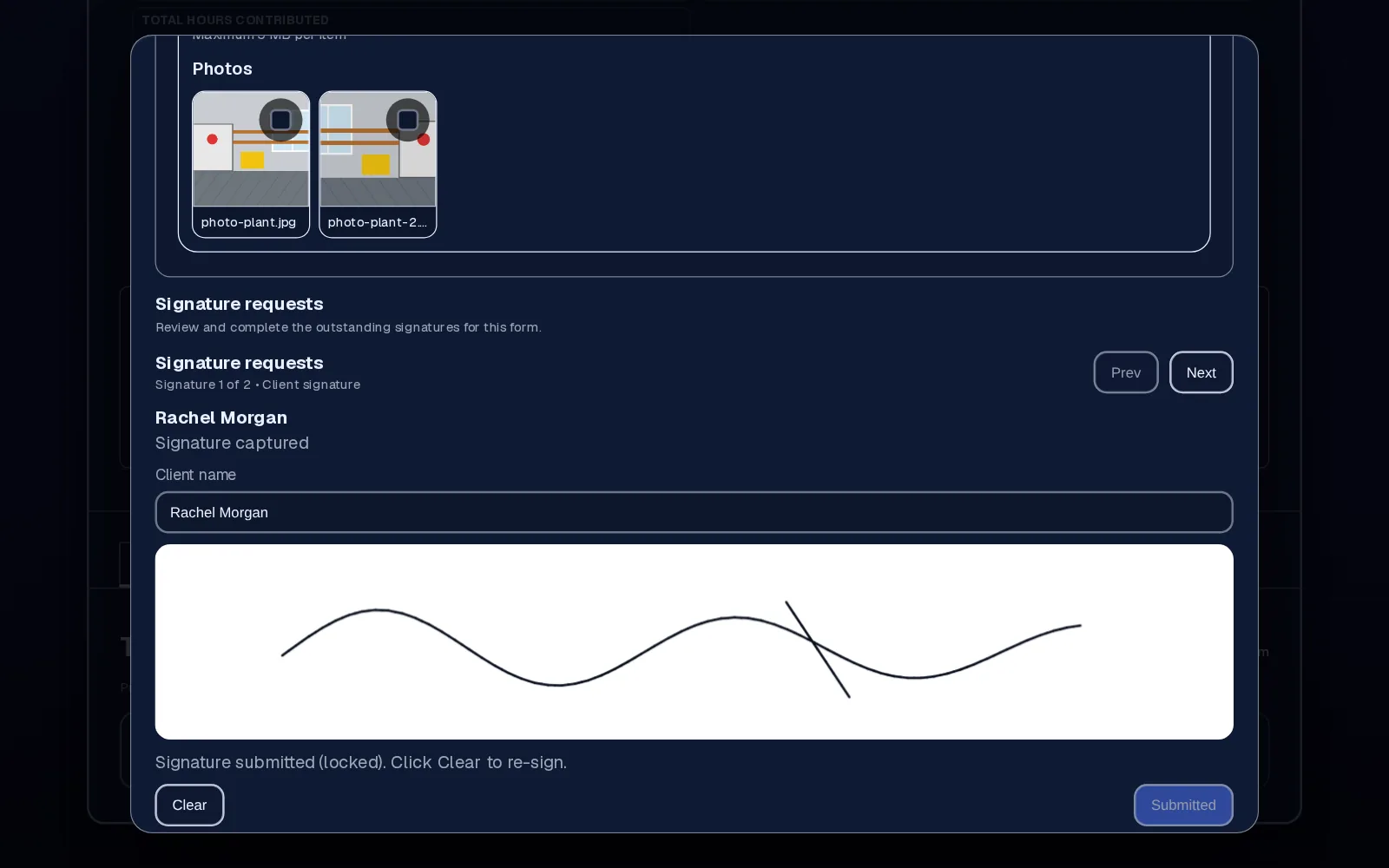
Attach your job sheet or service checklist as a form on the project. The engineer fills it in, adds photos, and the client signs on the phone or tablet. The signed record stays with the job.
Built around field work
Keep IPAF, PASMA, CSCS, electrical and gas qualifications on each engineer's record with expiry dates, so you can check them before sending someone to a site that asks.
Engineers sign test kit, access equipment and power tools out to themselves, or to a project with a signature when it's going to one job. You can see what each engineer has before they leave.
Build forms around how you work: a reactive call-out sheet, a planned service checklist, a permit to work or a handover. Ask for engineer or lead signatures on a team form, and client signatures on a client form signed in person.
Evening callouts and early starts keep their real dates and times. Corrections for a forgotten clock-out go through a request with a reason, for entries from the last 35 days.
Why maintenance teams use it
Clock entries are tagged to the client's project, so you can see time on each site and check it before pay preparation.
Signed acknowledgements are recorded per engineer and per document, ready if a client or facilities manager asks.
Photos, answers and the client's signature are saved on the project rather than in the van.
Team is £45 a month for up to 25 employees. Adding another engineer within that limit costs nothing extra.
Employr isn't field service management software. It doesn't dispatch jobs automatically, plan routes, create quotes or invoices, cost jobs, run payroll or track engineers with GPS. It doesn't provide lone-worker alarms. It needs an internet connection to save records, and location is only attached at clock-in if the phone already allows it.
Keep exploring
Questions
No. It doesn't dispatch, route, quote or invoice. It handles the people side: rota, clocking in, safety documents, equipment and signed job sheets. Many teams use it alongside their job or helpdesk system.
Yes. They clock in from the Employr web app on their phone when work starts, and pick the job if you use projects. Native Android and iOS apps are in development.
Yes. Add a client form to the project and the client signs it in person on the engineer's phone or tablet, with photos and answers saved together. Employr doesn't send the client a link. Lead or engineer signatures go on a separate team form.
Yes. Engineers sign equipment out to themselves, or to a project with a signature, and it stays marked as out until it's returned.
No. Location can be attached at the moment of clocking in if the phone allows it, but it's optional and there's no tracking during the day.
Yes. You set your own documents, forms and roles. Whether you call them engineers, techs or tradies, and RAMS, SWMS or JSAs, the flow is the same.
Clocking in and the rota are free for up to 5 employees. Most maintenance teams need Team for projects, safety documents, equipment and sign-off forms: £45 a month for up to 25 employees.
Try it with your engineers
Clocking in and the rota are free for up to 5 employees. Add projects, RAMS sign-off and equipment on Team.