
Plan the day and see what is happening.
- Create shifts.
- Check availability.
- Review hours and requests.
- Safety reports.
- Create RAMS.
- Assign RAMS.
Rotas, scheduling, and employee management
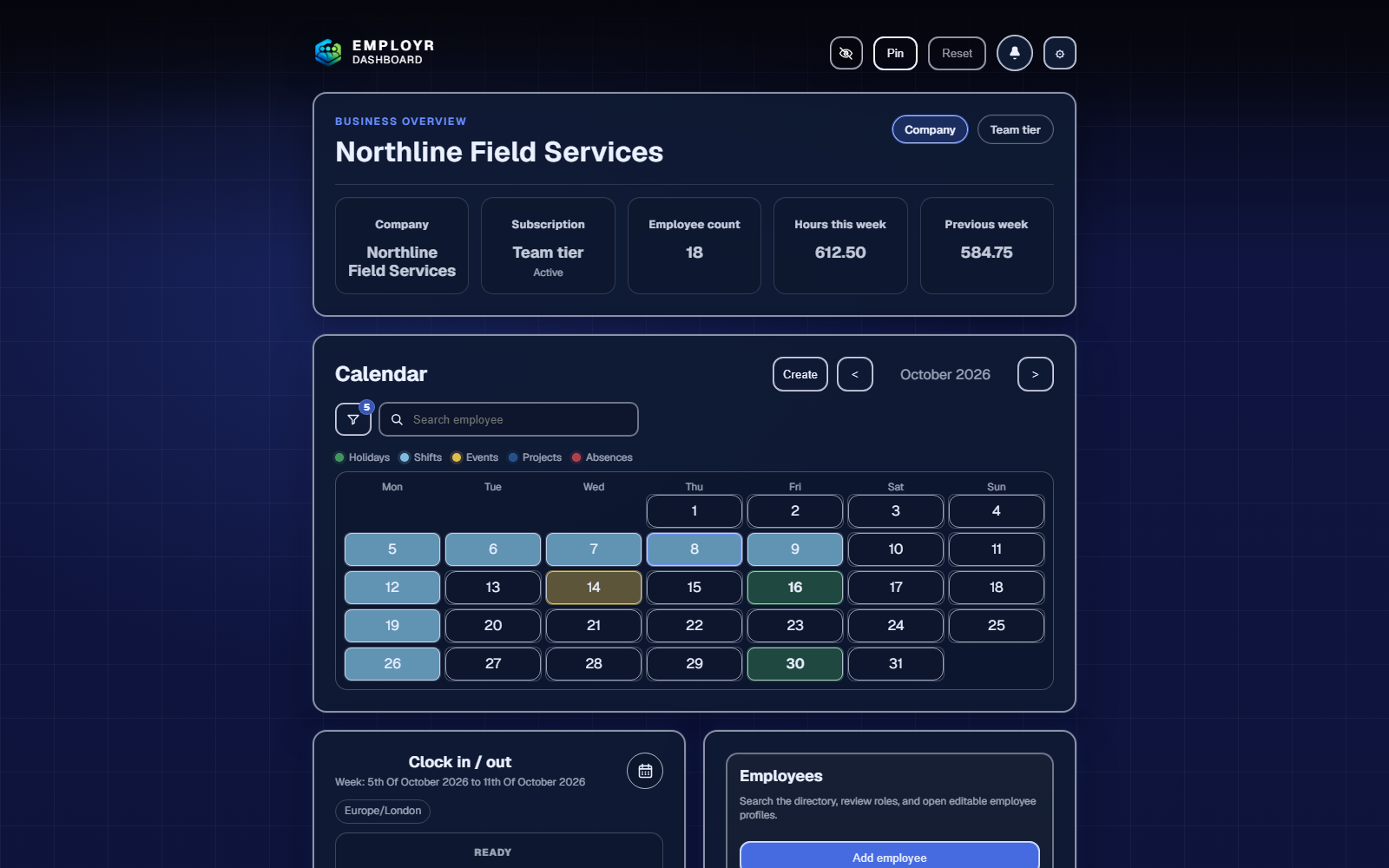
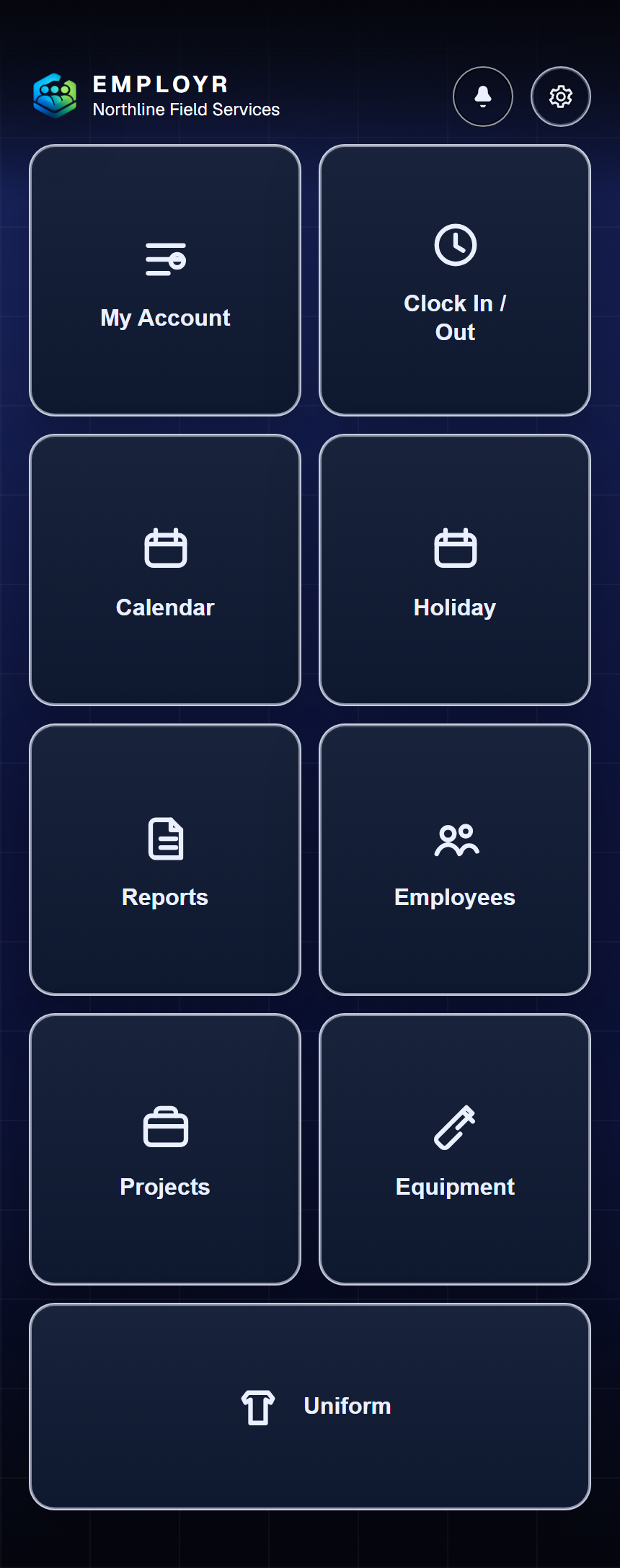
Plan shifts, manage employees, record attendance, and keep everyday workforce administration together.
Free for up to 5 employees. No card needed.
What is Employr?
Employr is online workforce management software for trades and operational teams. Managers use it to organise people and work. Employees use it to check what they need to do, record their time, and complete everyday tasks.
That means less information spread across paper timesheets, separate spreadsheets, messages, and folders—and fewer updates to chase at the end of the day.
Core tools
Plan people, track time, manage paperwork, and keep every job organised from one place.
Manage employee details, roles, and permissions in one secure place.
Explore the platformSee who is working, monitor attendance, and review time from one clear view.
Explore attendanceApprove holidays, record absences, and keep team availability clear.
Read the leave guideBring people, dates, site details, documents, and forms together by project.
Explore rota and projectsCreate forms, complete RAMS, capture evidence, and collect signatures.
Read the forms guideTrack equipment, issues, returns, and handovers across employees and projects.
Read the equipment guideFrom desk to job site
Open Employr in your browser on desktop, tablet, or phone. Your team uses the same account and records wherever they work.
Use the responsive web app today. Native Android and iOS apps are in development; public app-store downloads are not yet listed here.
Open the web appStart small. Make it yours.
Start with a free company account and set up roles for the way your team works.
Add employees or share your company join code. Choose what each role can access.
Plan shifts and record time on Free. Add holidays and absence tracking from Starter.
Bring your people, time, projects, and paperwork together in Employr.